19

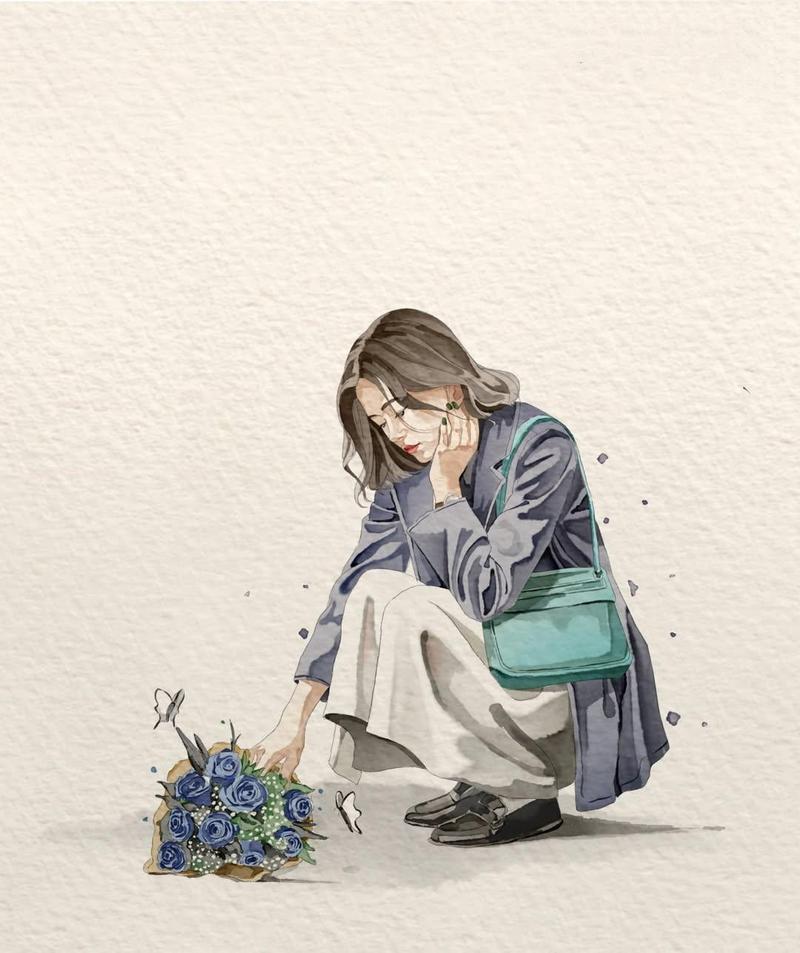
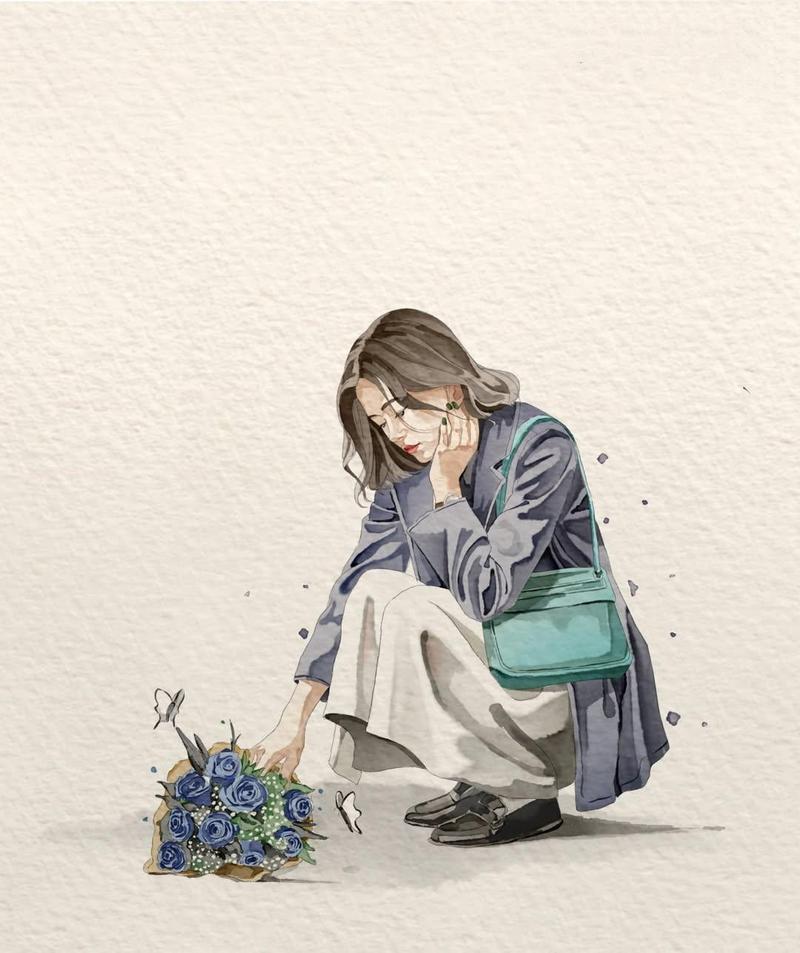
趣味水粉风格插画
Enlarge

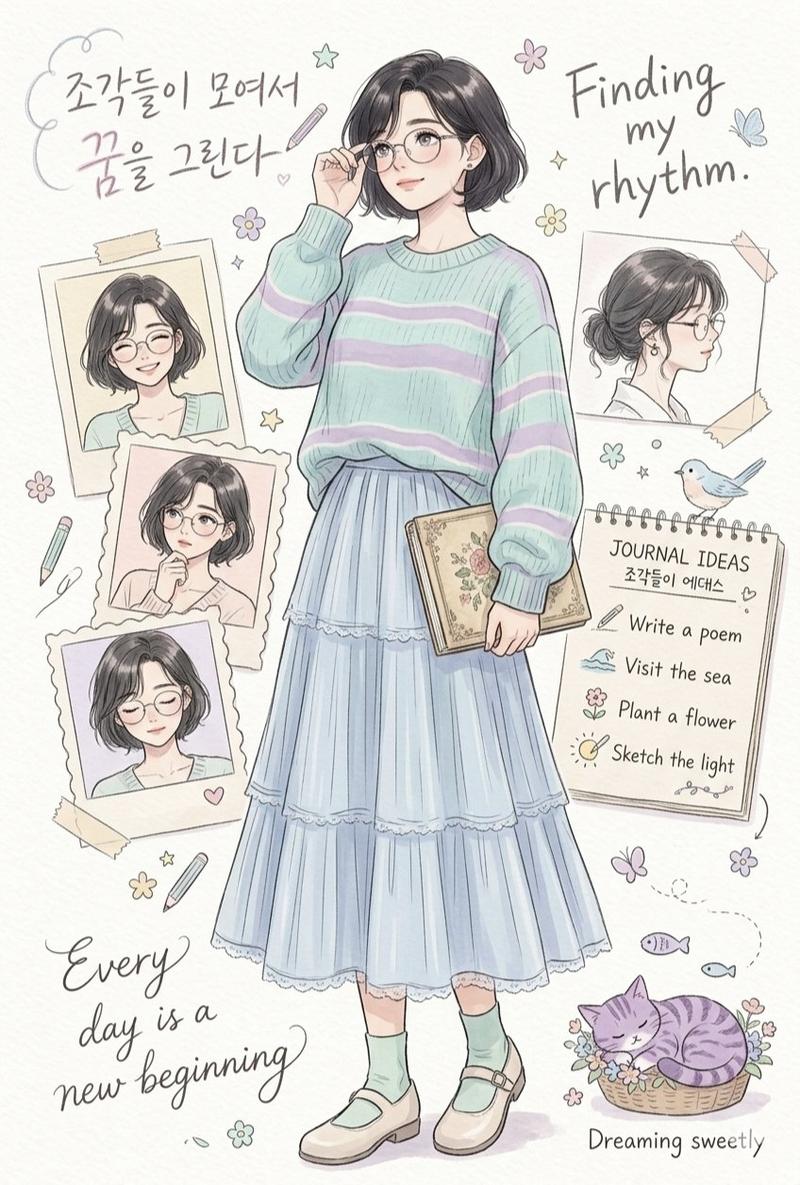
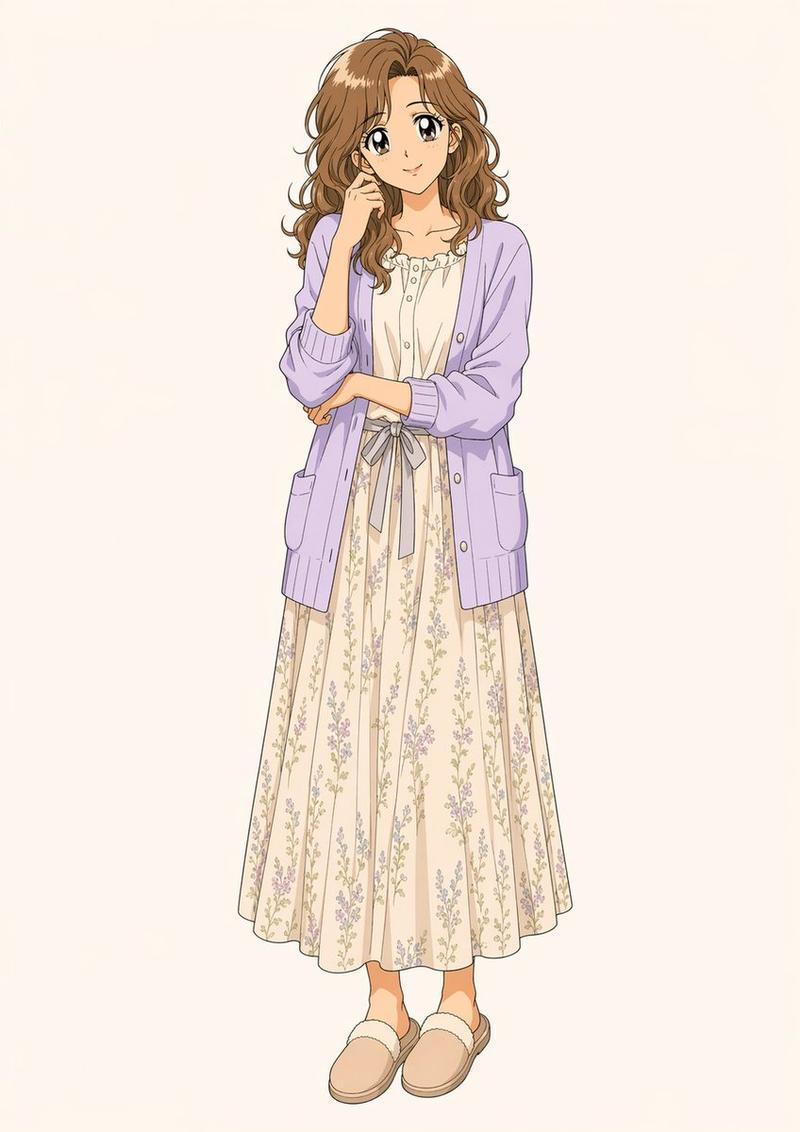
Example images

趣味水粉风格插画

Prompt
Illustration of "{argument name="subject" default="Me and [○○]"}" in a playful and charming pose. Hand-painted look with rich gouache-like texture on paper, featuring natural brushstrokes, simple linework, and a restrained color palette. Bright, uplifting mood; character looking forward or upward, never downward. Minimalist composition with abundant negative space. Loose, analog-style coloring and imperfect handmade texture. The character's face is partially or fully obscured by the object/subject. Soft shading, strong atmosphere, and expressive mood. Clean white background, wide margins, no text, 1:1 aspect ratio.
Category
Characters & People
Model
GPT Image 2
Creator
Oogie
Views0
Source ID
26355
Published
Jun 21, 2026

Guide

About "趣味水粉风格插画"

What is this prompt for?

"趣味水粉风格插画" AI image prompt for GPT Image 2 (Characters & People). 一份用于生成手绘水粉插画的详细提示词,具有极简构图和迷人、治愈的氛围。 Copy it on Picva and recreate the look in one click.

The full copyable prompt and example visuals above are ready for AI image generation or one-click recreate in Picva.

How to use this prompt

  1. Step 1

    Open the prompt detail

    Review the example visuals, category, and full prompt text for "趣味水粉风格插画".

  2. Step 2

    Copy the prompt

    Copy the prompt body from this page, or load it directly in Studio.

  3. Step 3

    Pick a model (GPT Image 2)

    Prefer GPT Image 2. If you switch models, keep subject and composition and tweak style terms.

  4. Step 4

    Generate and export

    Recreate the look in Picva, or export into your workflow for editing and publishing.

FAQ

What is the "趣味水粉风格插画" prompt?
It is an AI image-generation prompt for GPT Image 2 in the Characters & People category. This page includes the full prompt text, example visuals, and a one-click recreate path in Picva.
How do I use this prompt to generate an image?
Copy the prompt from this page, or use Generate / Studio. Paste it into a compatible image model, or recreate the look in Picva with optional reference images.
Which model is this prompt for?
This page lists GPT Image 2. Most descriptive prompts also transfer to nearby image models such as GPT Image, Flux, or Midjourney with light style tweaks.
Can I use the result commercially?
You can usually copy the prompt for creation, but commercial use of the final image depends on the model terms, reference-image rights, and the generated content. Follow the source author and platform rules.