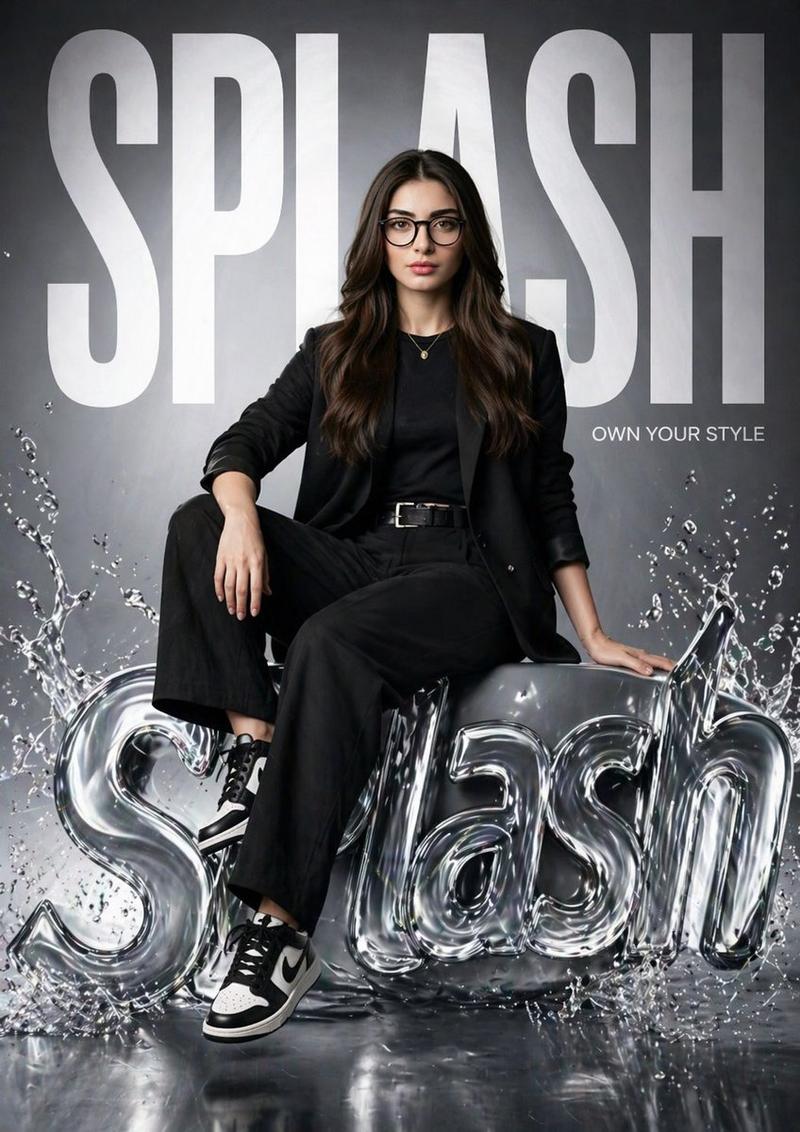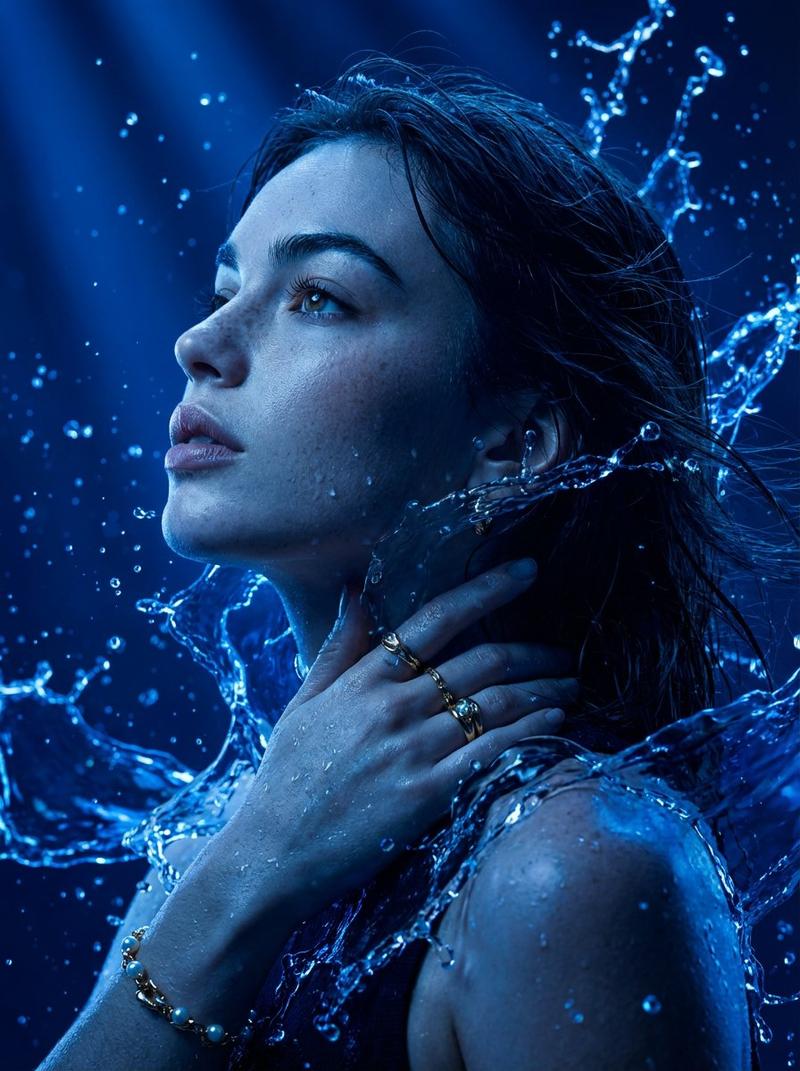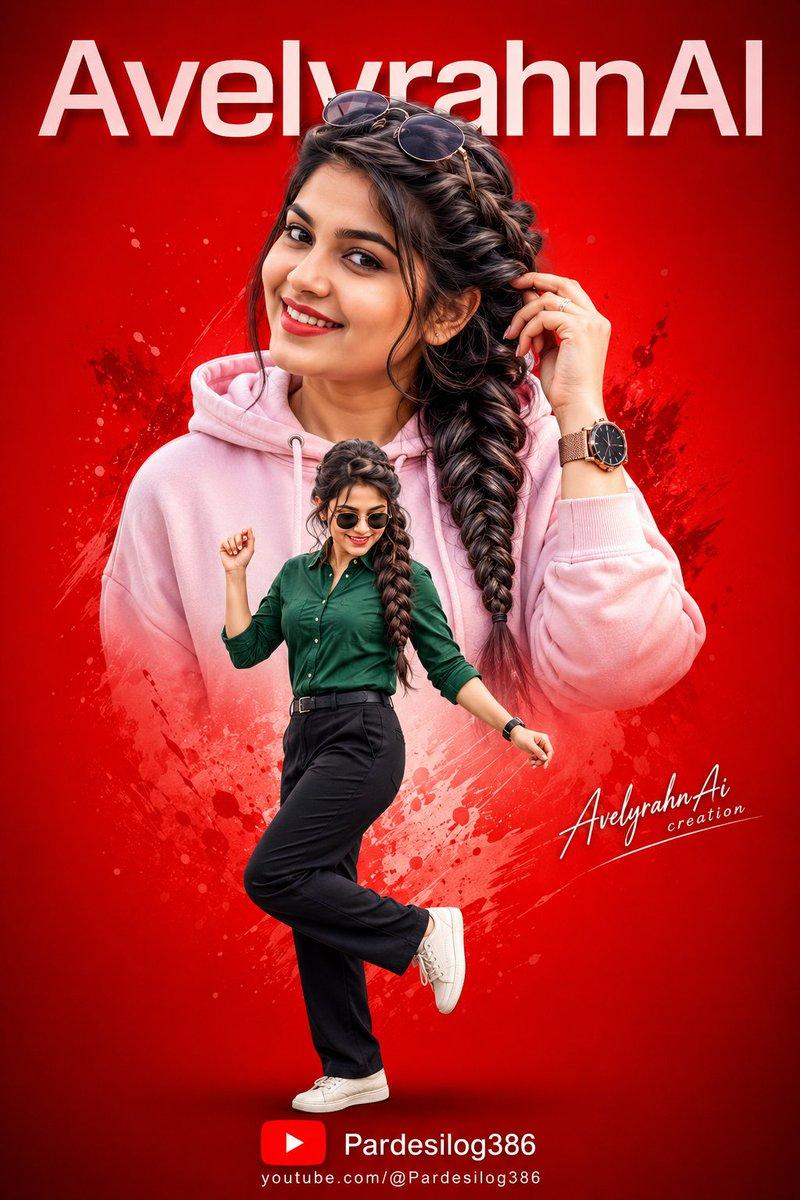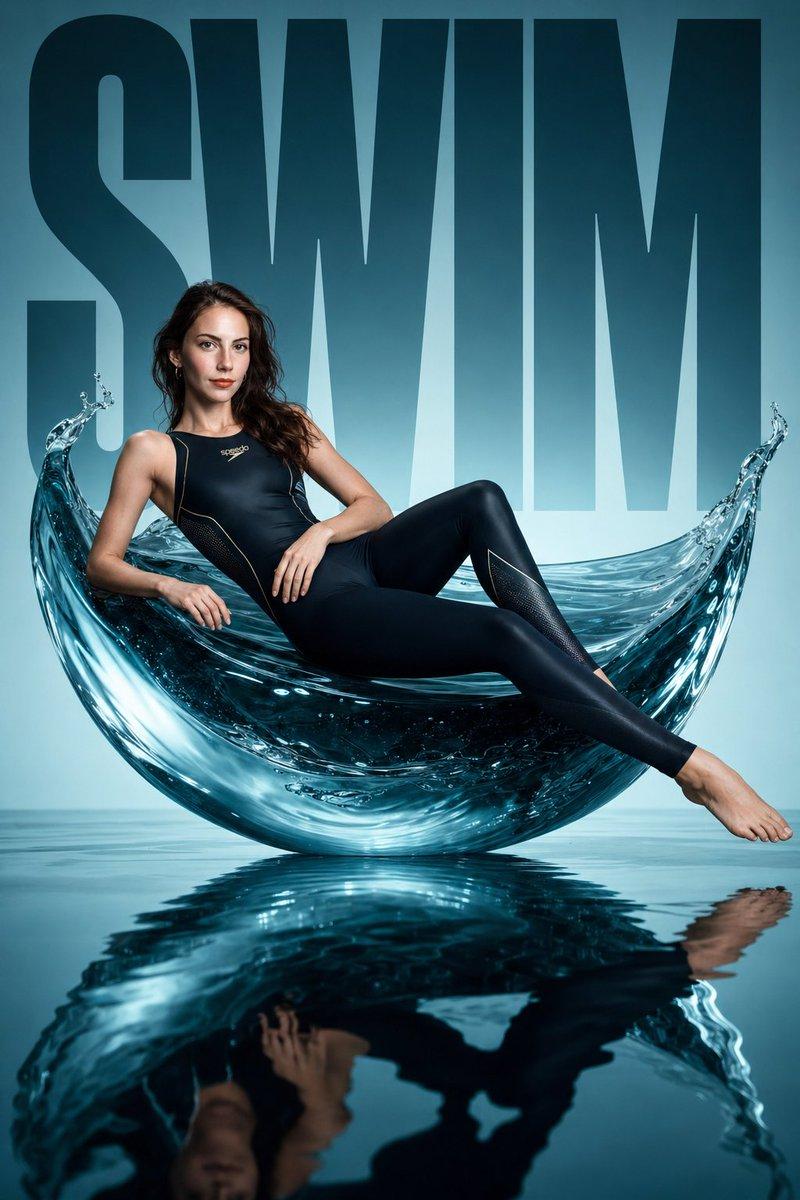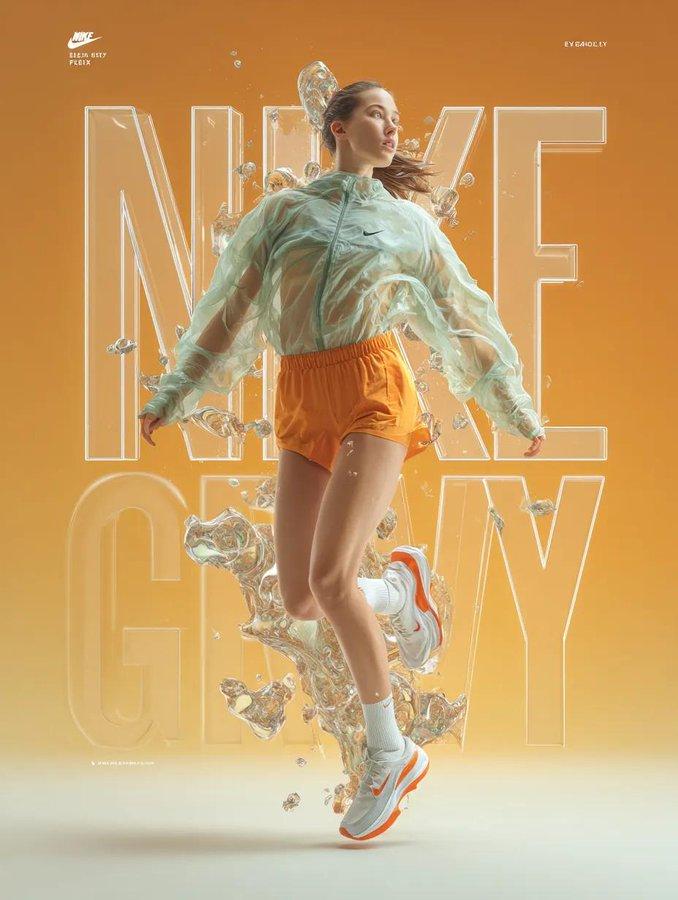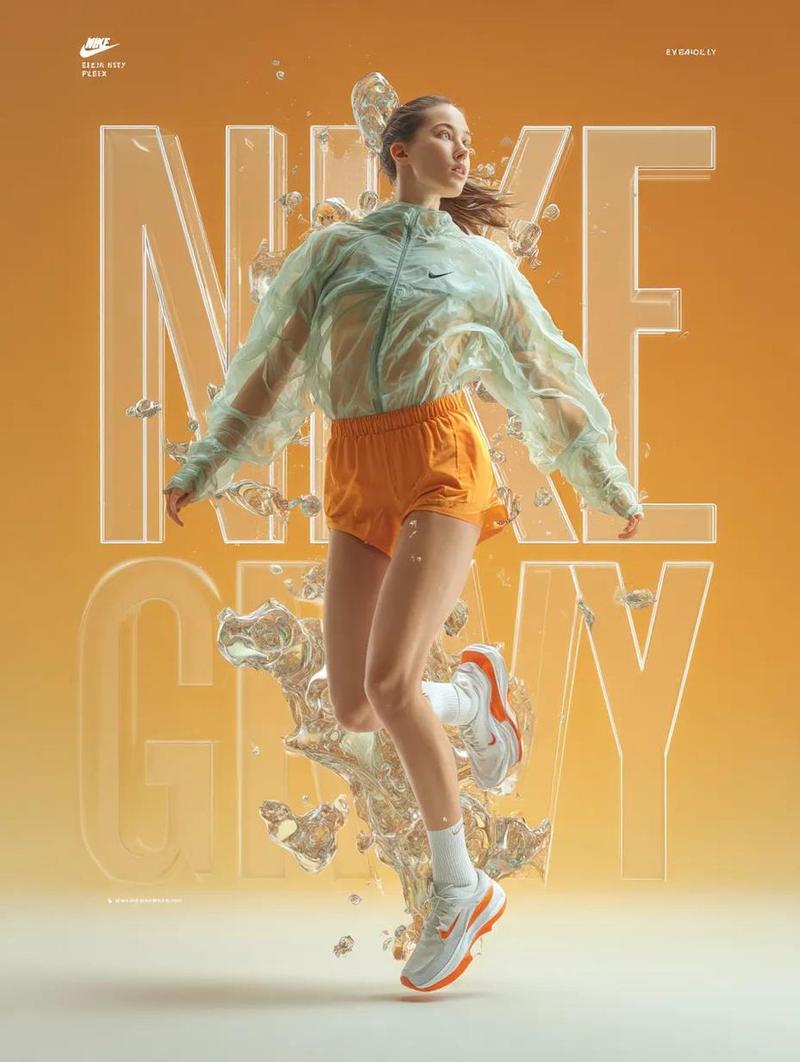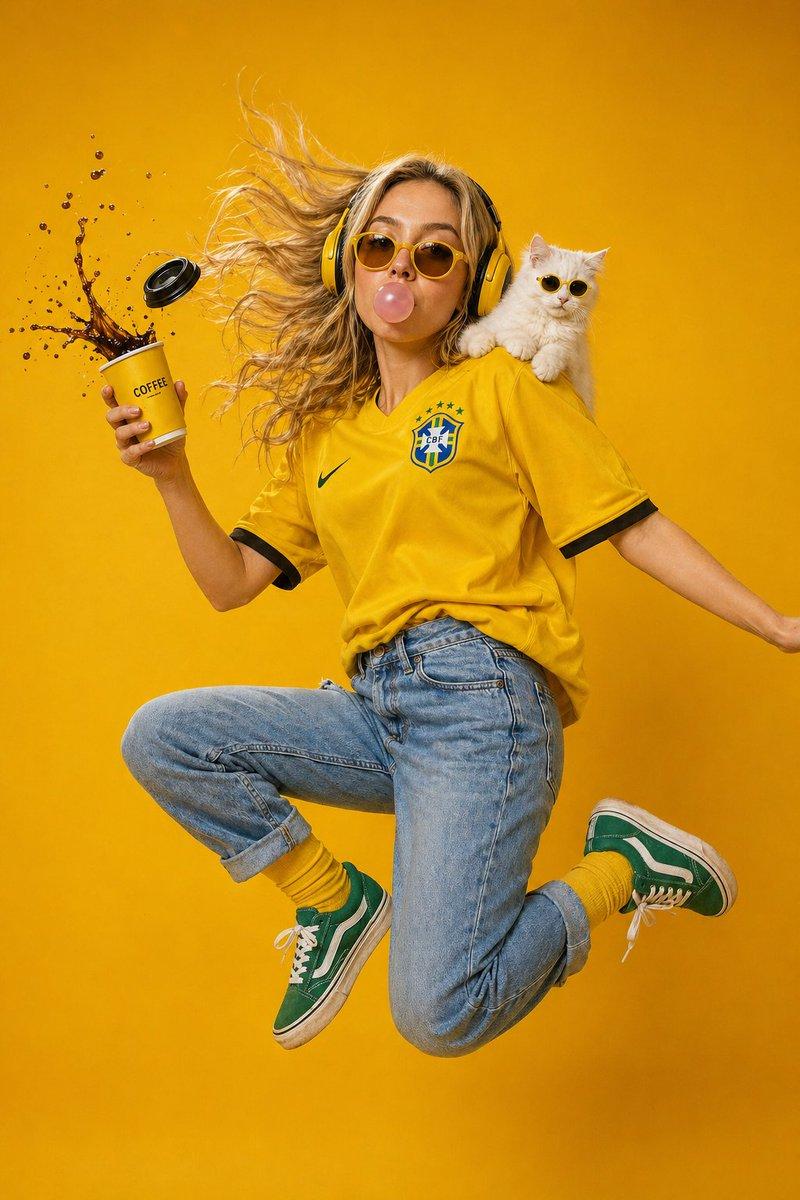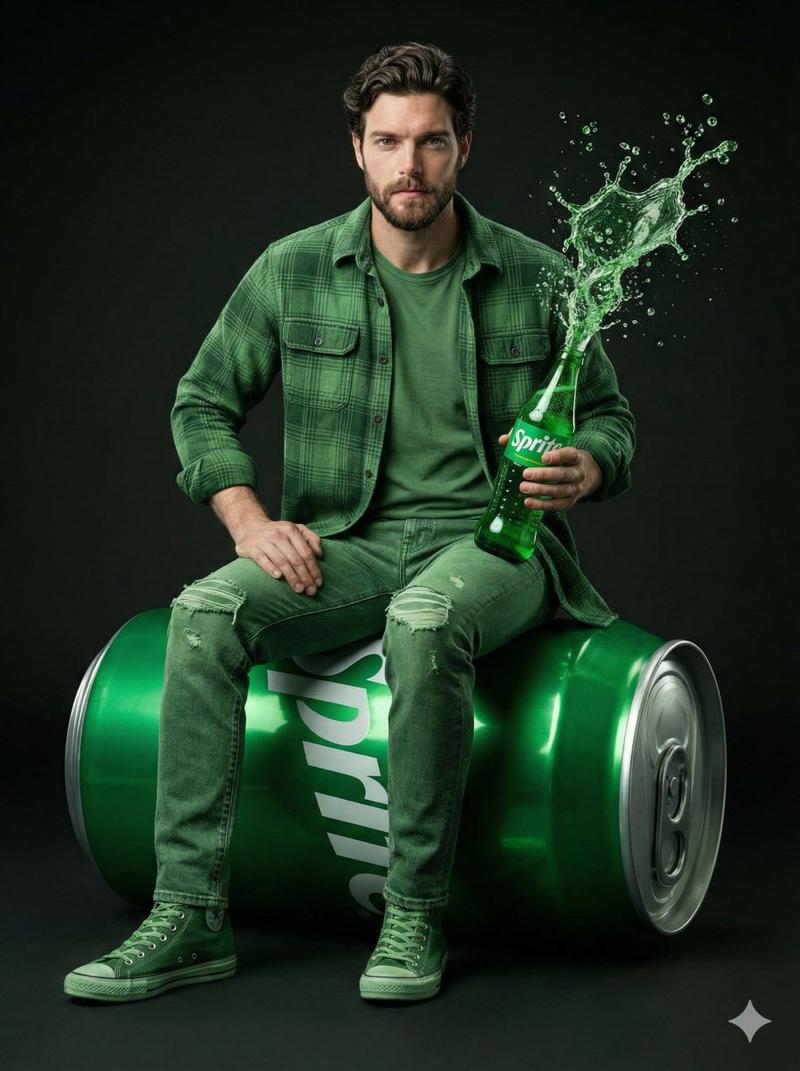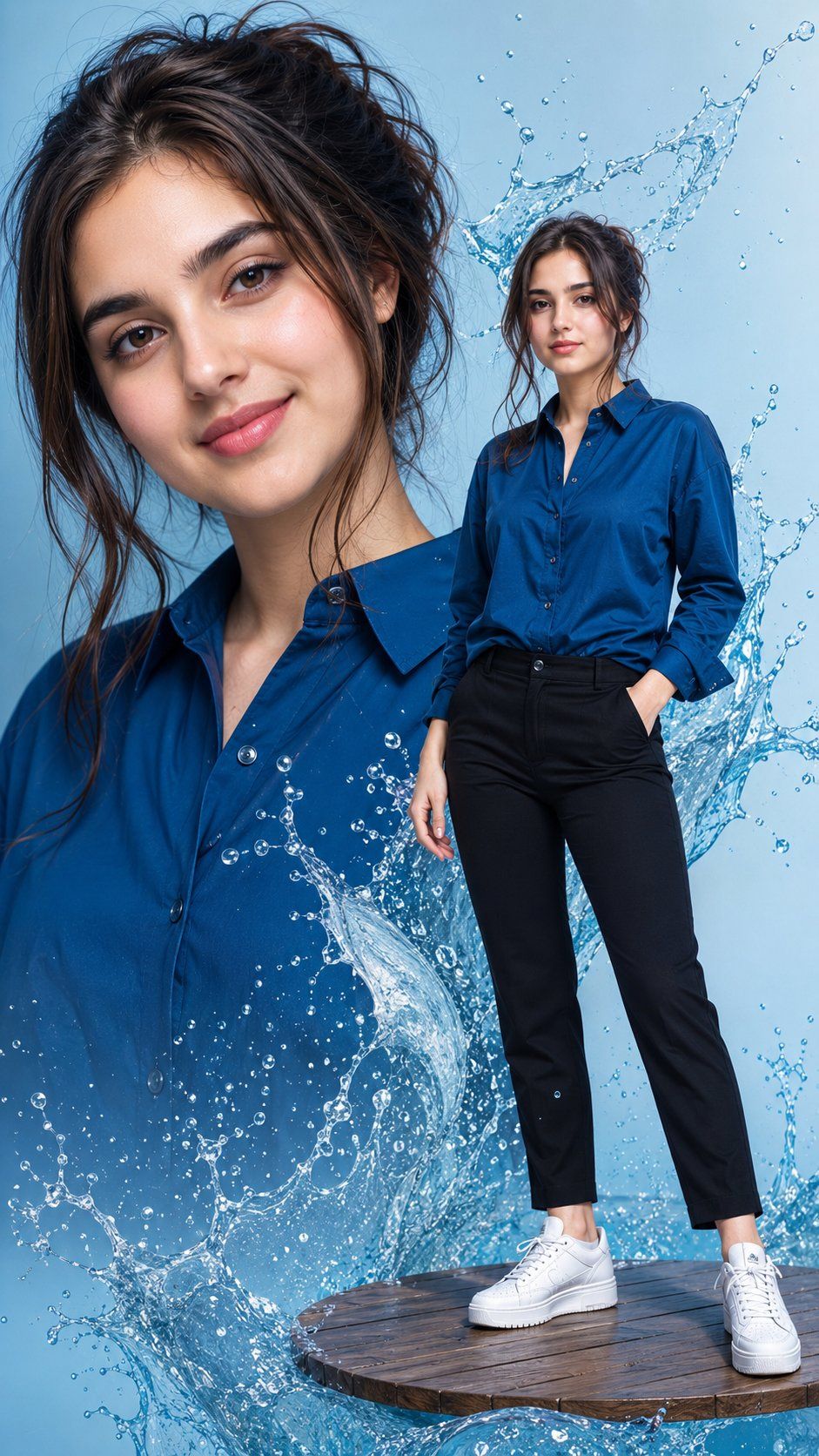
水花飞溅时尚合成图
Prompt
Create an 8K ultra-realistic vertical fashion composite of {argument name="character name" default="a young woman"} with {argument name="hair color and style" default="dark-brown wavy hair in a messy loose bun with stray strands"}, fair glowing skin, natural makeup, pink matte lips, and glossy nails. The composition shows exactly 2 versions of the same woman: 1 large close-up portrait filling the left and center background from chest to top of head, and 1 full-body figure standing in the right foreground. Both faces are intentionally covered by smooth rectangular skin-tone privacy blocks with soft edges, matching the image’s censor-like look. She wears exactly 4 main outfit pieces: an {argument name="shirt color" default="emerald-blue satin button-up shirt"} with collar and open neckline, fitted black ankle-length pants, white platform sneakers, and subtle glossy nails; the full-body figure has one hand in a pants pocket and the other relaxed at her side. Place her on a circular floating wooden platform at the bottom right, with visible planks and dark wet texture. Surround the subject with dynamic transparent blue water splashes and droplets: a large cresting splash behind the full-body figure’s head and shoulders, a sweeping wave across the lower center over the large portrait, and smaller droplets scattered throughout. Use a clean light-blue studio background, crisp commercial lighting, high contrast, realistic fabric texture, sharp water refraction, polished editorial fashion photography, no text, no logos, no extra people.- Category
- Brand & Logos
- Model
- GPT Image 2
- Creator
- Arina Ai
- Source ID
- 26538
- Published
- Jun 22, 2026
Views0