雨中伞下的时尚封面
Prompt
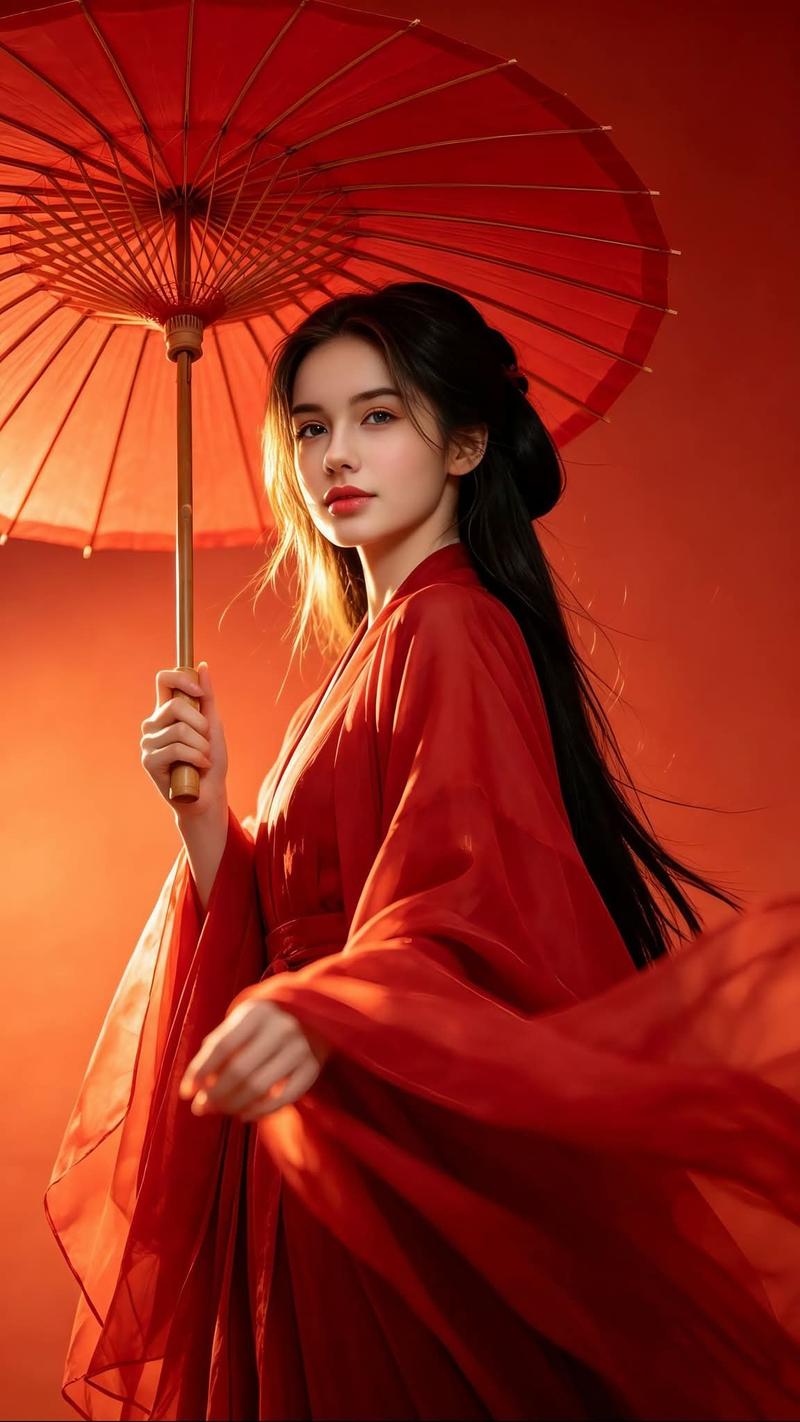
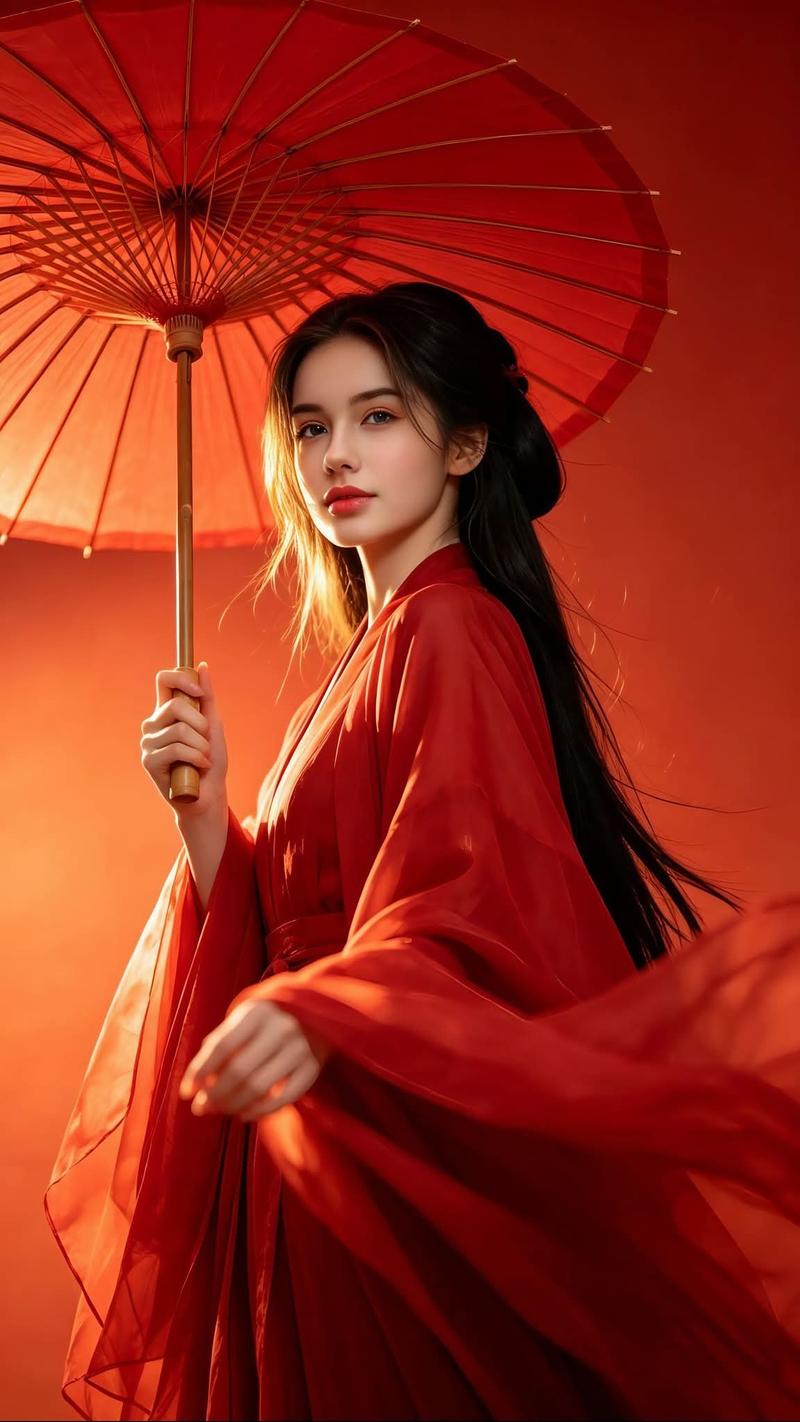
Create a square 1:1 fashion magazine cover portrait featuring {argument name="character name" default="a cheerful young Japanese woman"} standing outdoors in light rain, smiling warmly at the camera while holding an orange umbrella behind her head. She has straight dark twin-tail hair with soft bangs, small red flower hair accessories, natural makeup, and a gentle idol-like expression. She wears a glossy deep emerald-green Chinese-inspired halter qipao top with gold embroidered cloud and floral patterns, paired with black lace off-shoulder sleeves and black lace gloves; the lace texture should be crisp and ornate. Her hands hold the umbrella handle near her chest. Use a shallow-depth-of-field rainy city-street background with blurred pedestrians and cool muted greens and blues, contrasted by the warm orange umbrella canopy. The composition is a close-up half-body portrait, slightly tilted, with her face in the upper right third and the umbrella filling the background. Add exactly 4 visible text elements: 1) a huge cropped blue masthead across the top reading {argument name="masthead text" default="AMEZON"}, partially hidden behind/around the subject; 2) small handwritten blue text at the top right reading {argument name="small cover note" default="cover"}; 3) bottom-left white logo text reading {argument name="left footer text" default="Z-IMAGE TURBO"} with a thin underline and tiny subtext “SINCE 2025”; 4) bottom-center/right white logo text reading {argument name="right footer text" default="GPT-IMAGE-2"} with a thin underline and tiny subtext “SINCE 2026”. Visual style: realistic high-quality AI fashion photography, soft cinematic lighting, slightly desaturated rainy atmosphere, magazine editorial polish, clean skin detail, sharp lace and embroidery, no extra people in focus, no watermark, no additional text.- Category
- Posters & Typography
- Model
- GPT Image 2
- Creator
- ダルトワ★TV
- Source ID
- 26993
- Published
- Jun 27, 2026
Views0