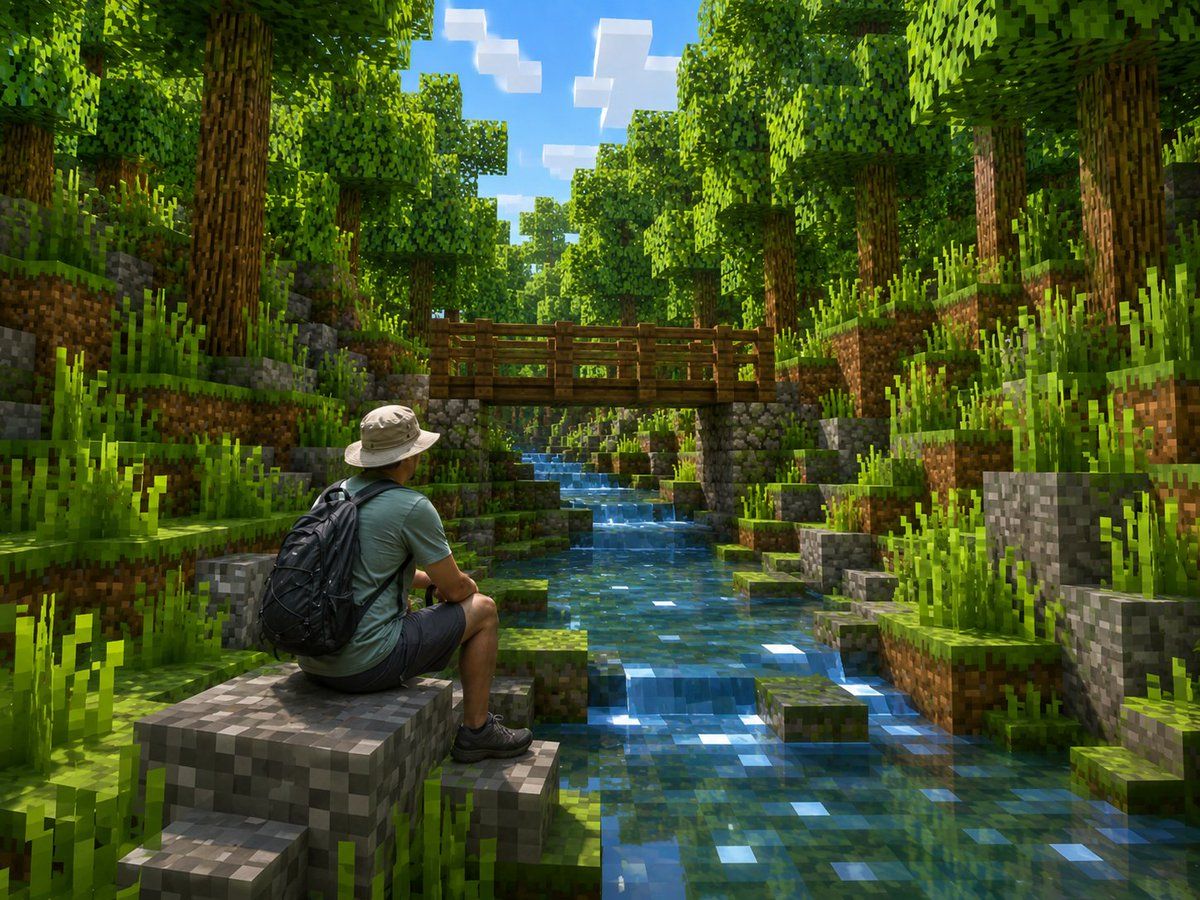
Minecraft 森林中的真实徒步者
Prompt
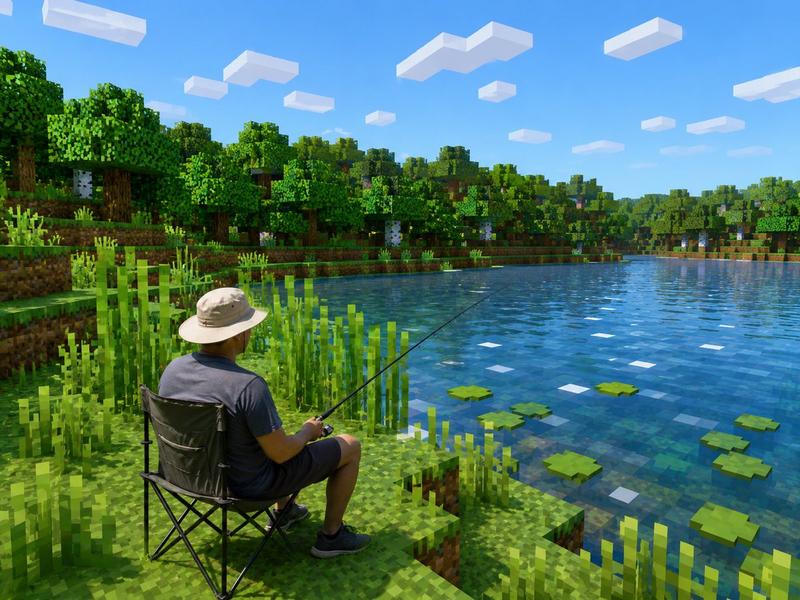
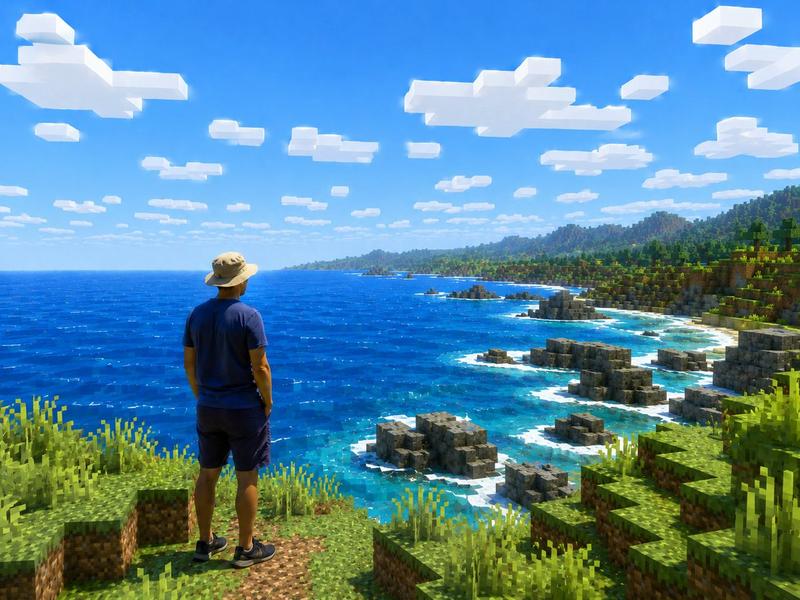
Create a photorealistic Minecraft-style screenshot of {argument name="character description" default="a real adult male hiker seen from behind, wearing a beige bucket hat, muted teal T-shirt, dark shorts, black hiking shoes, and a large black backpack"} sitting on a blocky gray stone ledge in the lower-left foreground, looking into a lush voxel forest valley. Keep the person realistic and natural while transforming the entire environment into Minecraft-like cubic blocks. The scene should show a clear shallow stream running from the foreground center into the distance, made of transparent blue pixelated water with bright square sunlight reflections. On both sides of the stream are stepped cube terrain blocks: grass blocks with dirt sides, mossy gray stone blocks, small square platforms, and many tall blocky grass tufts. In the midground, place a simple wooden plank bridge crossing the stream horizontally, supported by stone-block pillars. Surround the stream with dense blocky trees: many tall brown pixelated trunks and cubic leafy green canopies forming a bright forest corridor. The sky is visible through the treetops as vivid blue with a few rectangular white Minecraft-style clouds. Use {argument name="lighting style" default="warm midday sunlight with dappled forest shadows"}, vibrant greens, crisp voxel geometry, high detail, cinematic depth, and realistic global illumination. Camera angle: wide landscape composition, eye-level to slightly low, looking upstream toward the bridge, with the hiker occupying the lower-left third and the stream leading the eye to the center. No text, no UI, no watermark, no extra characters.- Category
- UI & Interfaces
- Model
- GPT Image 2
- Creator
- Larus Canus
- Source ID
- 20131
- Published
- May 12, 2026
Views7