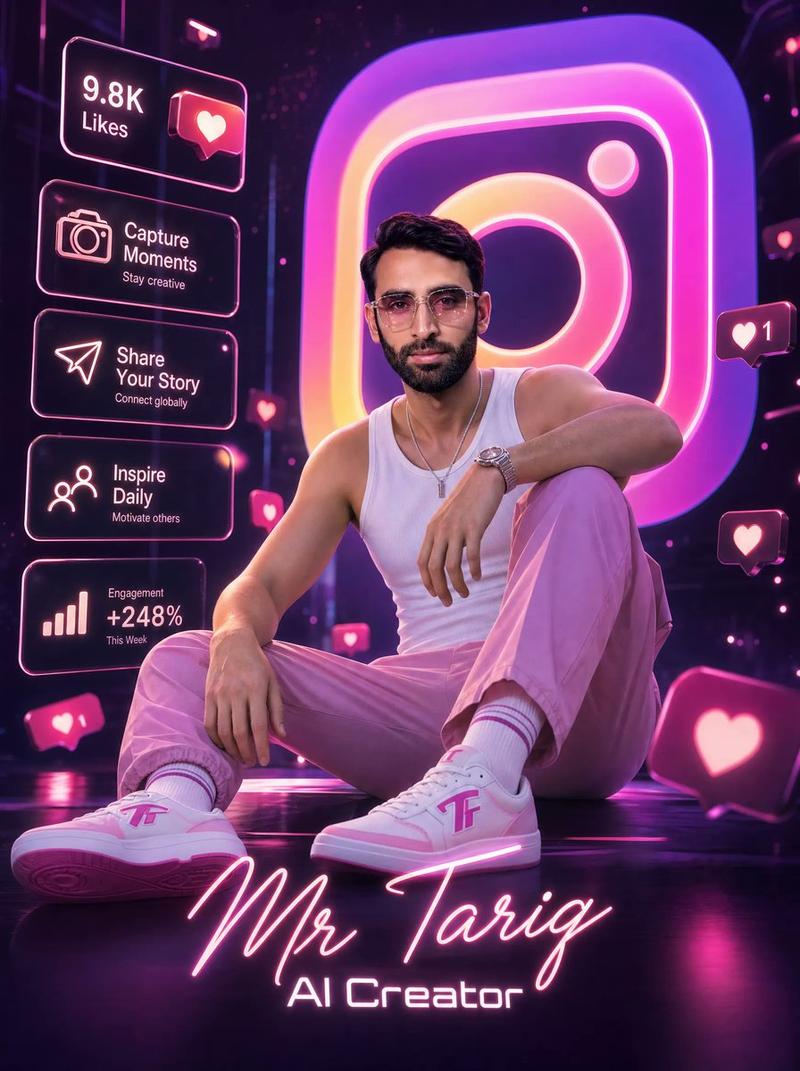
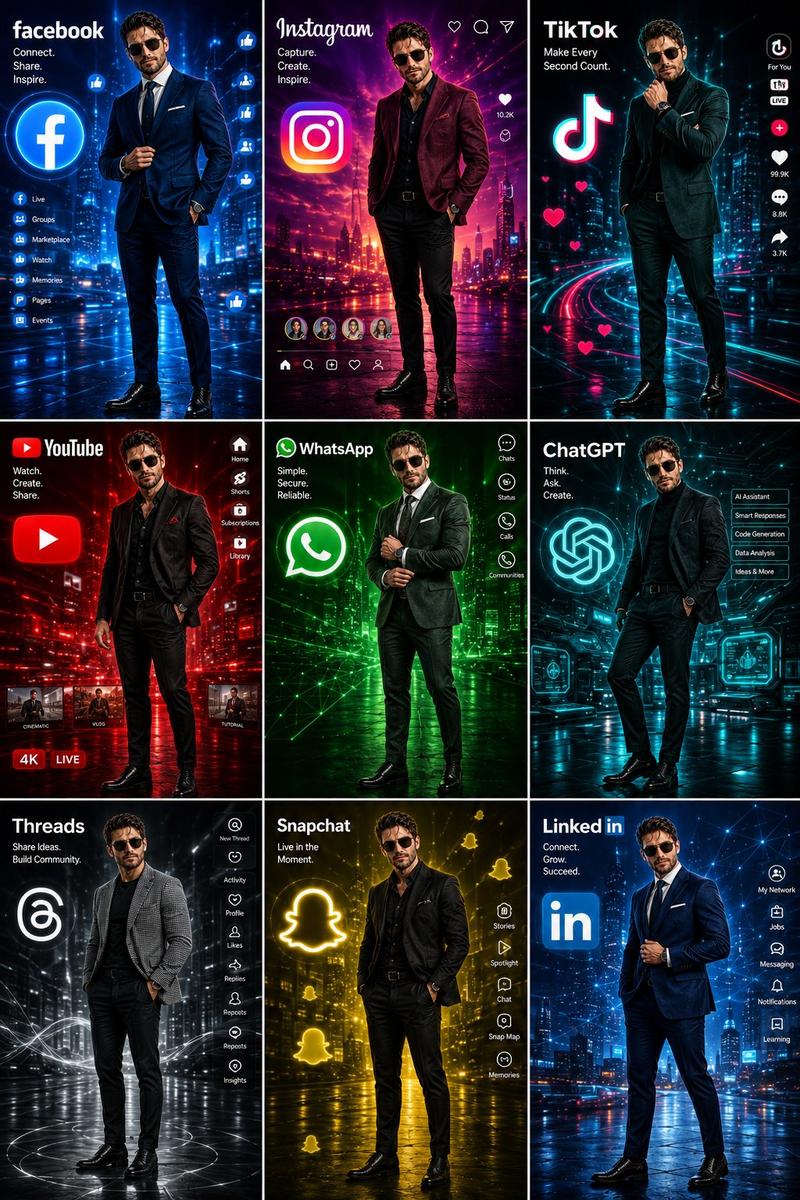
霓虹 Facebook 创作者海报
Prompt
Goal: Create an ultra-detailed cinematic 3D digital poster for a social media content creator, centered on a stylish young man squatting confidently in a futuristic neon-lit studio dominated by Facebook-like branding.

Canvas: Vertical poster, 3:4 aspect ratio, high-resolution glossy 3D render, deep electric-blue color palette, bright white neon highlights, reflective black-blue floor, shallow depth of field, dramatic rim lighting, floating holographic UI elements, energetic social-media atmosphere.

Main subject: A fashionable young man with short dark hair and modern styling, face intentionally covered by a soft rectangular blur/mosaic censor block. He is squatting in a confident pose, one arm resting across his knee and one hand hanging relaxed. Outfit: shiny {argument name="jacket color" default="electric blue"} oversized puffer jacket with a small white “facebook” wordmark on the chest, white T-shirt, fitted blue jogger pants, and custom blue-and-white high-top sneakers. The sneakers have a bold lowercase {argument name="platform logo letter" default="f"} on the side panels. Make the fabric glossy and premium, with realistic folds and reflections.

Background centerpiece: A huge glowing white lowercase {argument name="platform logo letter" default="f"} standing behind the subject like a luminous monument, with thick 3D depth and blue rim glow.

Foreground title typography: Across the lower center, overlay a large elegant glowing cursive signature reading {argument name="character name" default="Mr Tariq"}. Directly below it, add smaller futuristic block lettering reading {argument name="role text" default="CONTENT CREATOR"}. Both text layers should be bright neon blue-white and partially overlap the subject’s legs.

Left-side holographic analytics panels: Include exactly 4 stacked rectangular blue neon dashboard cards with these visible labels and values: 1) “9.8K Likes” with a rising line chart and arrow, 2) “Engagement +256% vs last month” with vertical bar chart, 3) “Followers 125K Total Audience” with two-person icon, 4) “Content Reach 2.4M People Reached” with rising line chart. Beneath them, include exactly 4 smaller rounded motivational buttons: 1) “Imagine — Visualize your dreams” with star icon, 2) “Create — Make it happen” with compass/target icon, 3) “Inspire — Motivate others” with spark icon, 4) “Elevate — Reach new heights” with rocket icon.

Right-side holographic panels: Include exactly 4 small floating message cards: 1) “Stay Focused — Keep Creating”, 2) “Dream Big — Work Smart”, 3) “No Limits — Just Passion”, 4) “Messages 99+ — New Messages”. Style them as glowing rounded blue speech bubbles with tiny icons.

Floating social reactions: Add exactly 12 visible reaction elements distributed around the scene: 4 thumbs-up icons, 3 heart icons, 3 laughing-face emojis, 1 small profile notification dot, and 1 chat/message bubble. Include a large 3D blue thumbs-up cube in the bottom-left foreground and a partially cropped red heart reaction sphere in the bottom-right foreground.

Visual style: Hyper-polished cinematic 3D advertising poster, glossy blue neon reflections, volumetric light beams, bokeh particles, holographic UI glow, futuristic creator economy aesthetic, crisp typography, premium render quality, no extra people, no watermark, no unintended text.- Category
- Charts & Infographics
- Model
- GPT Image 2
- Creator
- Mr. Tariq
- Source ID
- 21179
- Published
- May 17, 2026
Views4