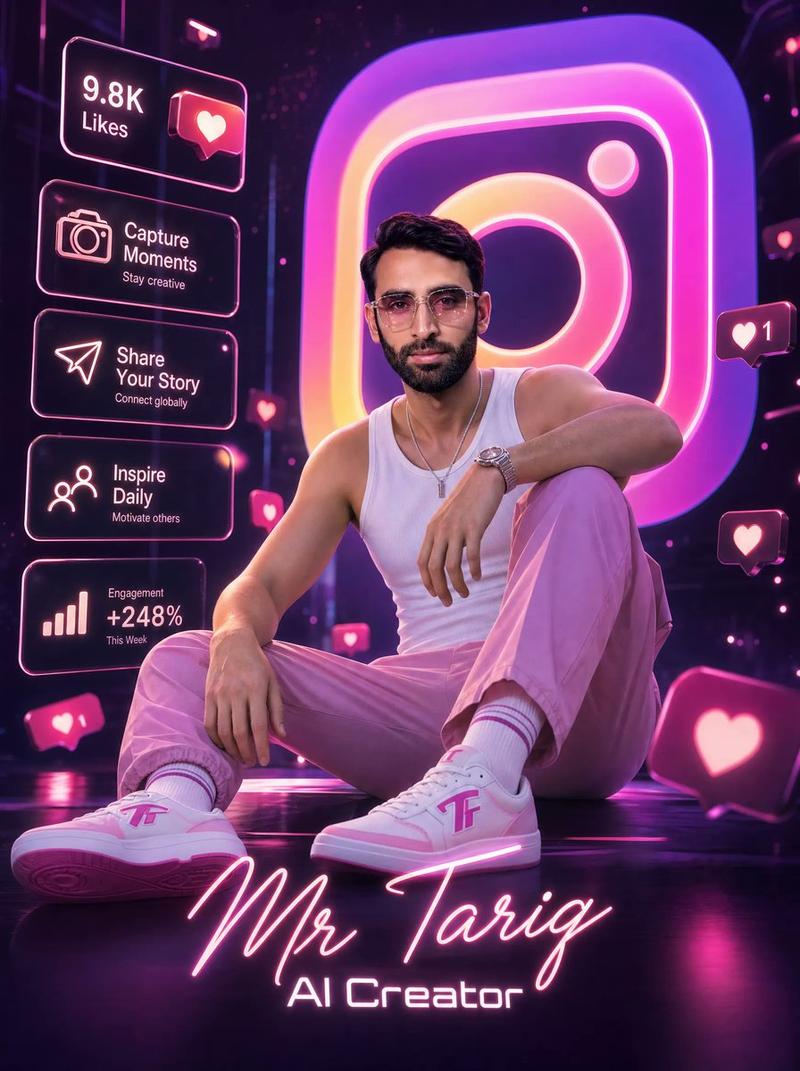
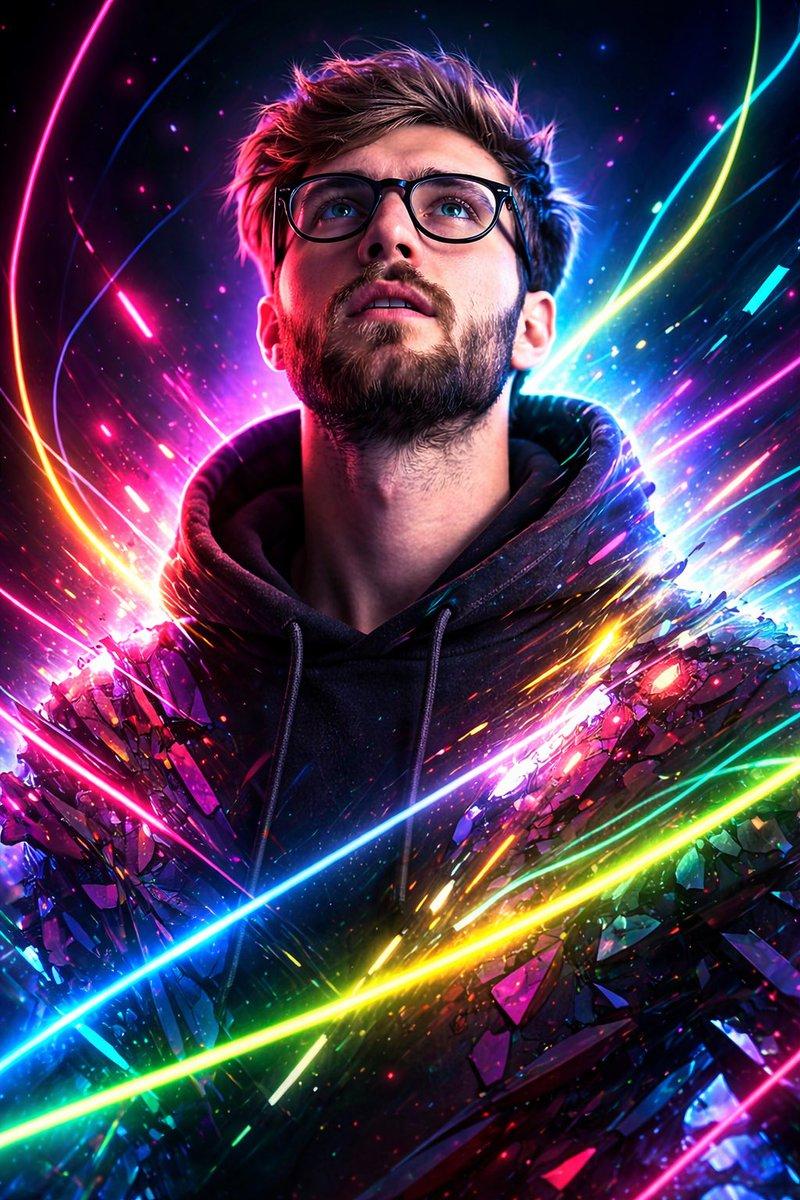
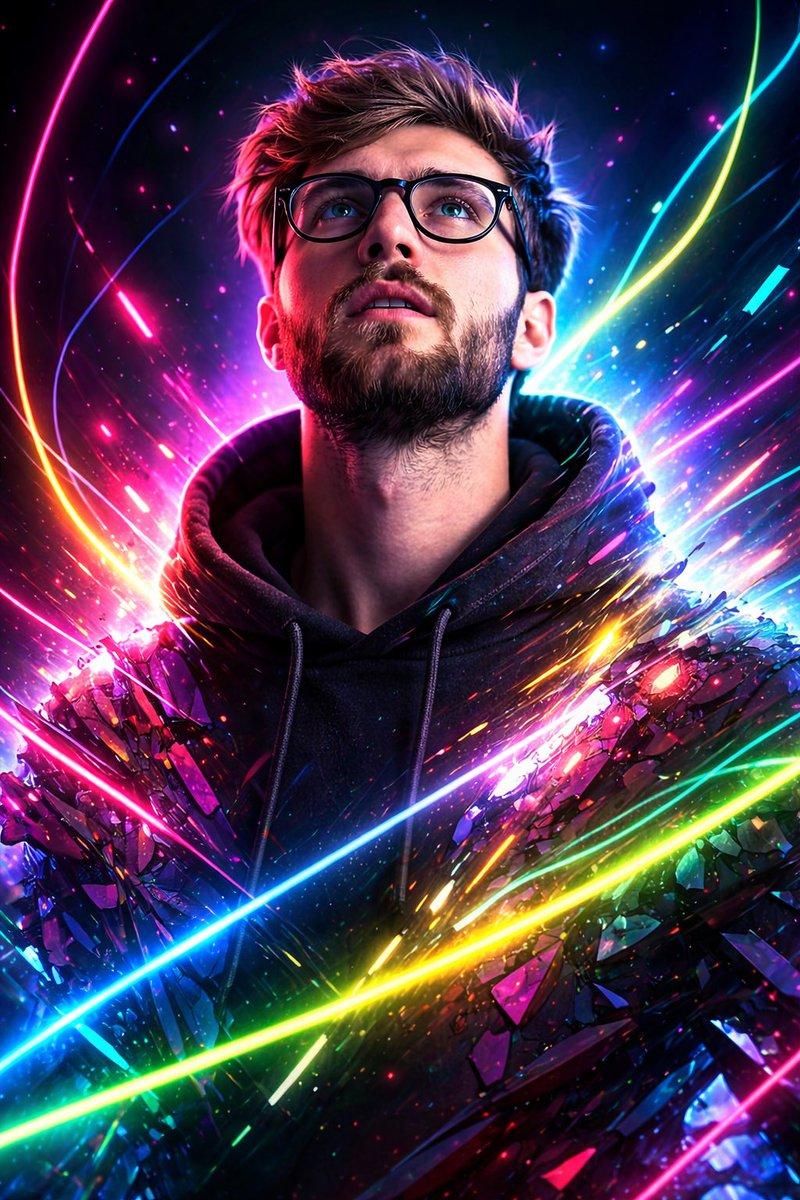
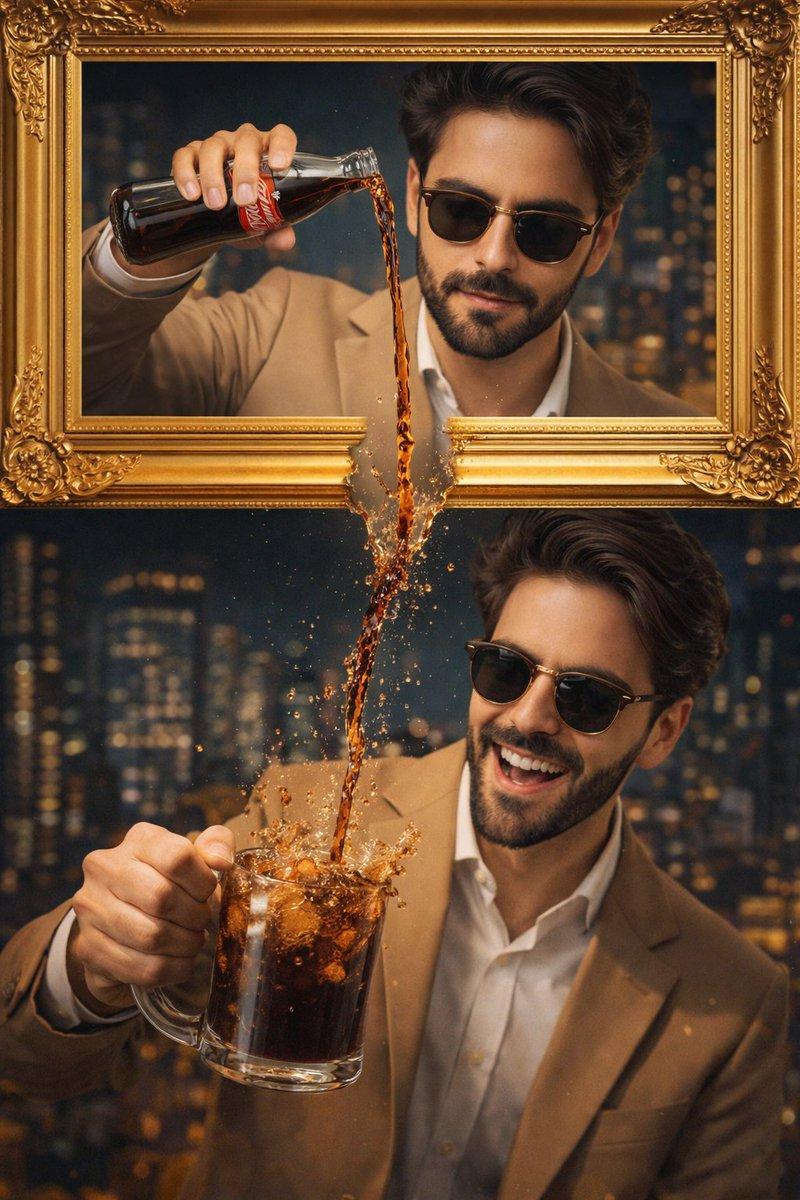
霓虹 Instagram 魔法爱心肖像
Prompt
Create a dramatic vertical fantasy photo-composite of a {argument name="character description" default="handsome young man"} sitting cross-legged on a dark reflective floor, centered in the frame, wearing a {argument name="shirt style" default="dark green floral button-up shirt with red and gold flowers, open at the collar"}, fitted black pants, and black loafers. His black hair is neatly styled and swept to one side, but his face is covered by a flat opaque medium-brown rectangular censor block. He holds a transparent glass tilted downward in his raised left hand, pouring a stream of clear water into a glowing magical heart hovering above his cupped right hand at chest level. The heart is made of fiery orange-red light with green electric sparks, golden embers, splashing water, mist, and smoke swirling around it. Surround the subject with exactly 8 floating neon Instagram-style camera logos: one large tilted partial logo at bottom left, one large tilted partial logo at bottom right foreground, one large tilted logo on the left side, one medium logo at upper left, one large logo at upper right, one small logo at mid-right, one medium logo at right center, and one small logo at lower right. Use a dark smoky background filled with orange sparks, bokeh particles, and cinematic rim lighting. The overall style should be hyperrealistic, glossy, high contrast, moody, magical, and social-media themed, with vivid magenta, orange, yellow, and purple neon glow. Use a shallow depth of field so foreground logos are slightly blurred while the man and glowing heart remain sharp. No readable text, no watermark.- Category
- Charts & Infographics
- Model
- GPT Image 2
- Creator
- Mr. Tariq
- Source ID
- 21183
- Published
- May 17, 2026
Views5