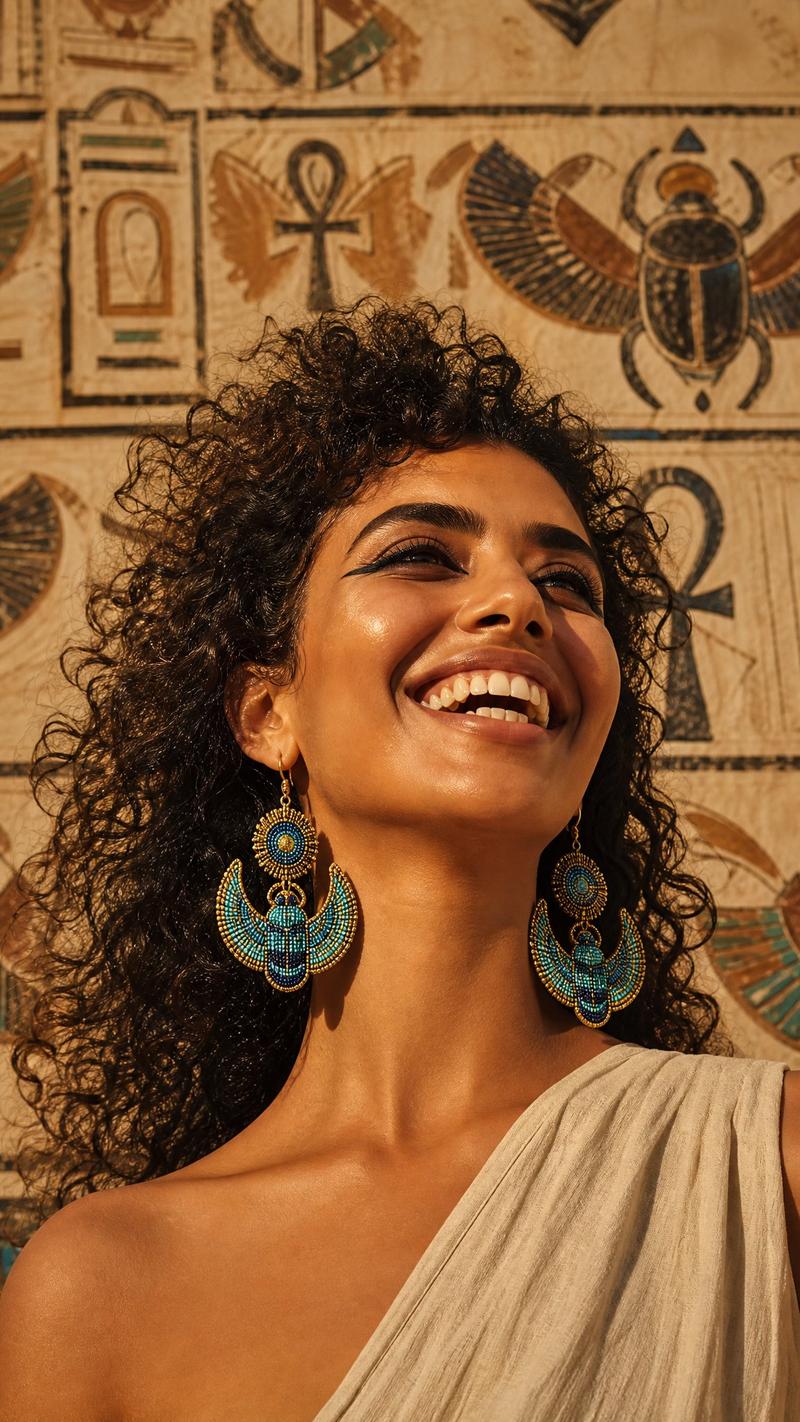
经典动画风格埃及艳后宫殿剧照
Prompt
Create a high-end 2D animated illustration in a classic 1990s traditional hand-drawn animation style, resembling an official production still. Show {argument name="character name" default="Cleopatra"} as an elegant Egyptian queen lounging in a palace interior, shown from the waist up in a three-quarter view. She has warm tan skin, sleek straight {argument name="hair color" default="jet-black"} shoulder-length bob hair with blunt bangs, almond eyes with dramatic blue eye shadow and long black eyeliner, arched brows, and a poised, slightly aloof expression as she gazes upward to the left. She wears a white draped linen dress with a gold belt and oval blue gemstone clasp, a wide Egyptian collar necklace in gold, turquoise, and blue, large round gold hoop earrings with dangling bars, a gold cuff bracelet, a gold upper-arm snake bracelet, and a gold headband topped with a small cobra ornament. Her right arm rests along a teal-blue cushioned chaise or throne with gold trim and tassels, while a translucent pale blue shawl drapes across her arm and body. The palace background is softly painted with warm sandstone walls, faint Egyptian hieroglyphic reliefs and figures, a purple curtain tied with a gold tassel, and a decorative column with colorful lotus-like geometric patterns. Use soft cel shading, clean ink outlines, hand-painted watercolor backgrounds, warm golden lighting, subtle film-grain texture, and the polished look of a vintage animated feature. Keep the composition cinematic, elegant, and regal, with no modern objects, no text, and no watermark.- Category
- Photography & Realism
- Model
- GPT Image 2
- Creator
- Kinovi.AI
- Source ID
- 28852
- Published
- Jul 15, 2026
Views4