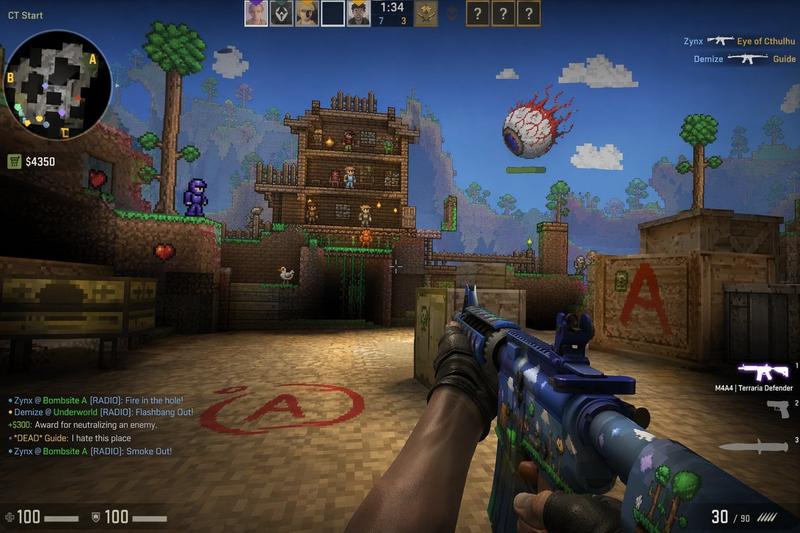
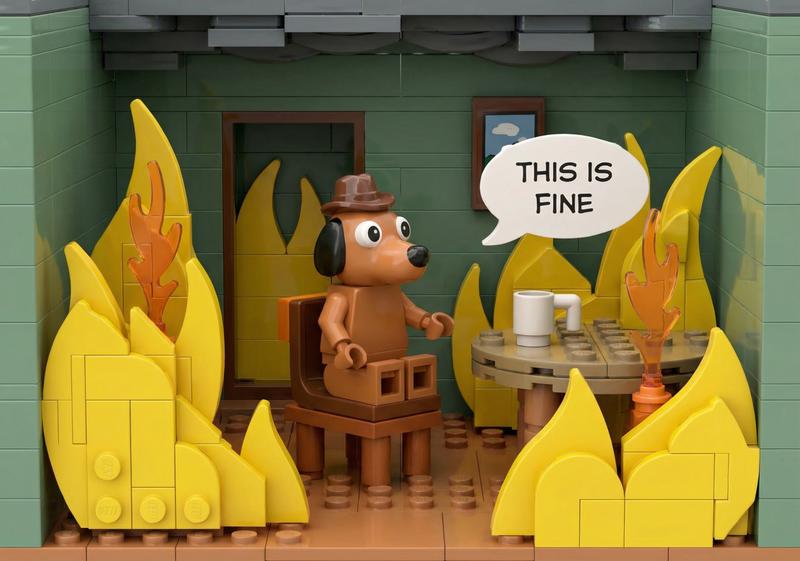
LEGO 电子游戏模拟图
Prompt
{
  "type": "video game screenshot",
  "style": "{argument name=\"game style\" default=\"classic LEGO video game\"}",
  "scene": {
    "environment": "dark alleyway with purple brick walls on the left, grey brick walls on the right, wet cobblestone ground with reflections",
    "props": ["1 green dumpster", "1 wooden plank with studs", "1 metal trash can", "1 wooden barrel", "3 green glass bottles", "1 bone-shaped sign reading 'DOG'"],
    "collectibles": "10 floating studs (4 silver, 4 gold, 2 blue)"
  },
  "characters": [
    {
      "description": "{argument name=\"player character\" default=\"CatDog\"} rendered as a blocky plastic figure",
      "action": "standing in the center on a glowing blue and green circular player marker"
    },
    {
      "description": "bulldog rendered as a plastic minifigure",
      "action": "standing in a doorway"
    }
  ],
  "layout": {
    "ui_elements": [
      {
        "position": "top-left",
        "description": "Player HUD",
        "components": ["circular character portrait", "text '{argument name=\"player name\" default=\"CatDog\"}'", "4 red hearts", "gold coin icon with text '{argument name=\"score\" default=\"23,470\"}'"]
      },
      {
        "position": "top-center",
        "description": "yellow and black cylindrical progress meter"
      },
      {
        "position": "top-right",
        "description": "circular character portrait of a bulldog"
      },
      {
        "position": "bottom-left",
        "description": "circular minimap with purple border, map layout, and a yellow star icon"
      }
    ]
  }
}- Category
- Charts & Infographics
- Model
- GPT Image 2
- Creator
- pozitiv4ik
- Source ID
- 14153
- Published
- Apr 20, 2026
Views2