17

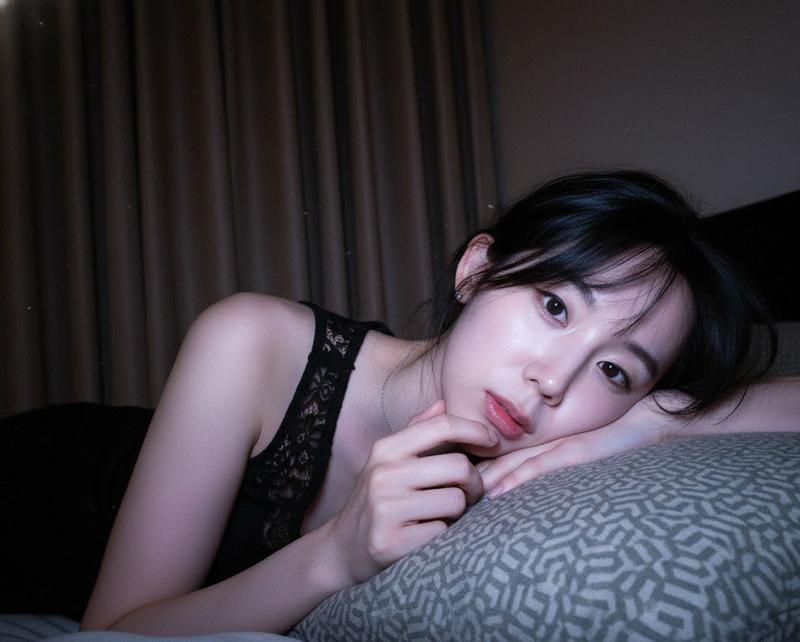
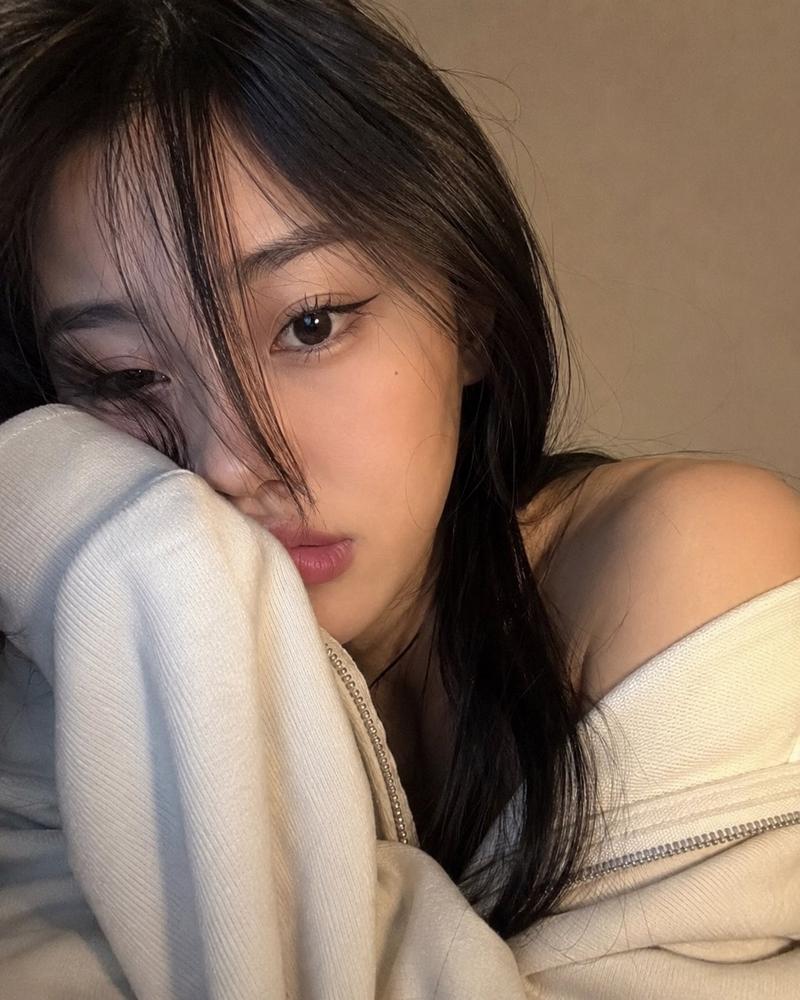
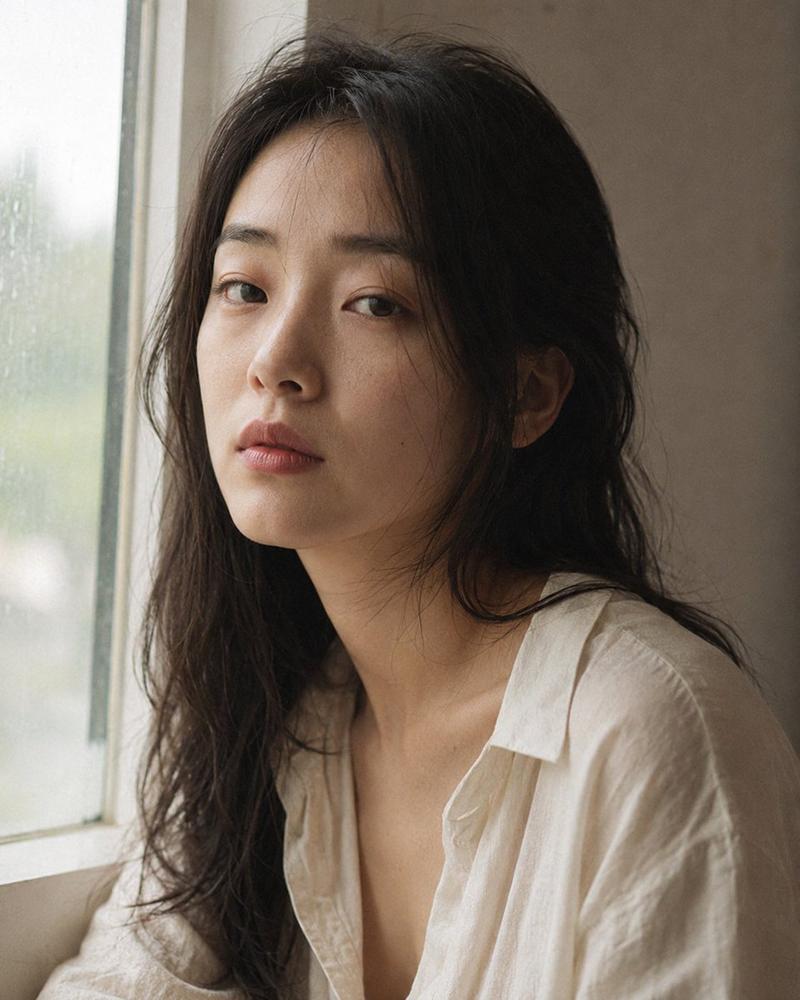
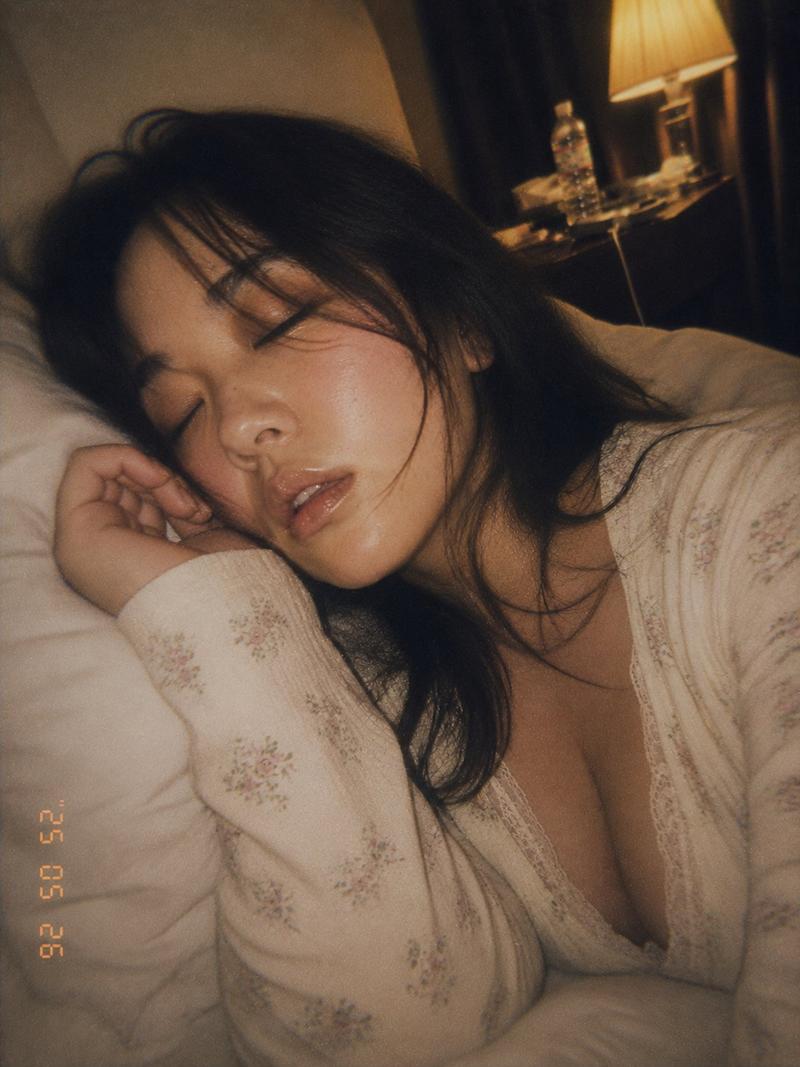
真实感智能手机夜间自拍
Enlarge

Example images

真实感智能手机夜间自拍

Prompt
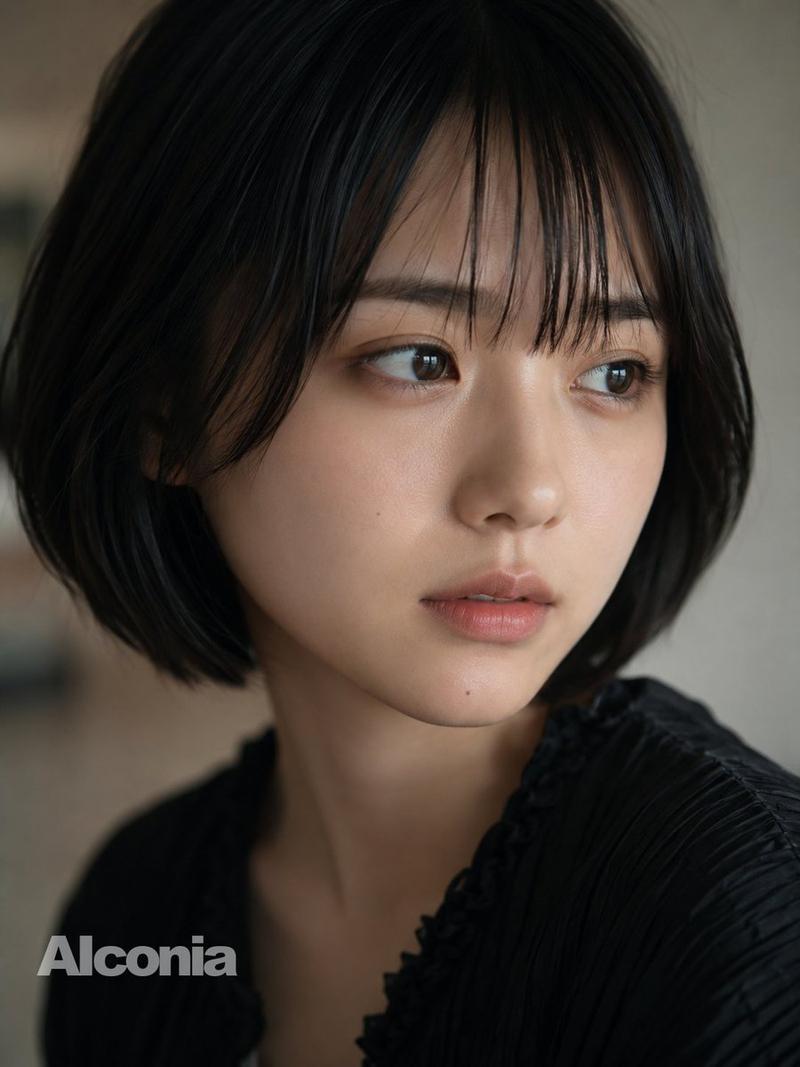
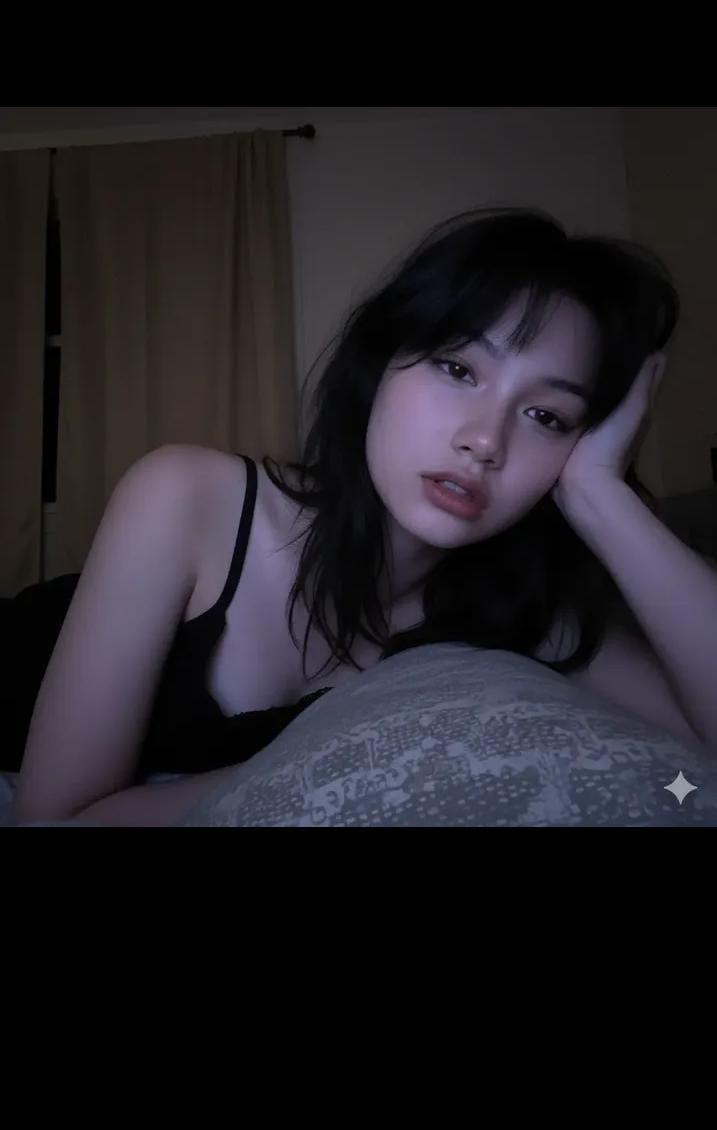
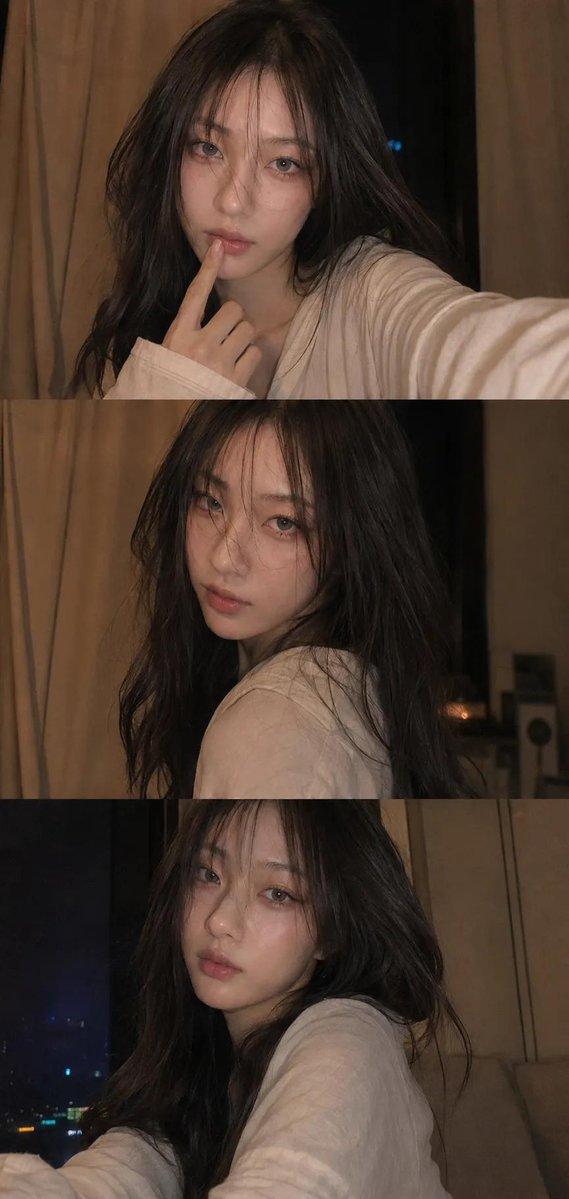
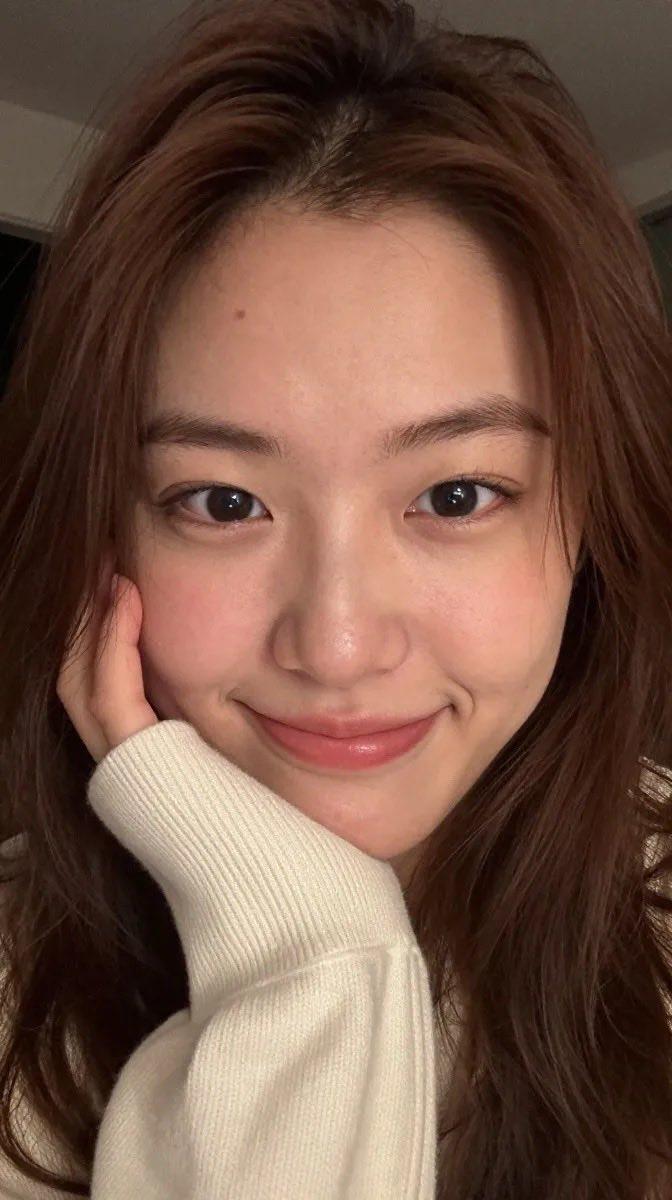
Ultra-realistic close-up selfie portrait of a {argument name="subject" default="young woman"} indoors at night, captured with a smartphone camera. Soft natural skin with a smooth complexion, subtle rosy cheeks, glossy pink lips, and a playful expression with her tongue slightly touching her upper lip. Large dark expressive eyes looking slightly sideways toward the camera. Medium-length dark brown hair with wispy curtain bangs framing the face. {argument name="clothing" default="Cozy cream-colored knitted sweater"} draped around the shoulders. The composition is an extreme close crop, with the face filling most of the frame and partially extending beyond the edges for an intimate candid feel. Warm low-light ambient illumination creates soft shadows and gentle highlights on the skin. Background features a {argument name="location" default="dimly lit apartment interior"} with large glass windows, faint city lights and reflections visible outside, blurred furniture, and shallow depth of field. Natural smartphone photography aesthetic, slight grain from low-light conditions, realistic skin texture, cinematic mood, cozy late-night atmosphere, authentic candid social-media selfie, ultra-detailed, high resolution, bokeh background, realistic colors, soft focus transitions, 4K photography.
Category
Architecture & Spaces
Model
GPT Image 2
Creator
Jahan Zaib
Views0
Source ID
25644
Published
Jun 14, 2026

Guide

About "真实感智能手机夜间自拍"

What is this prompt for?

"真实感智能手机夜间自拍" AI image prompt for GPT Image 2 (Architecture & Spaces). 模拟在室内夜间环境下,通过智能手机摄像头拍摄的真实、随性的社交媒体自拍效果,呈现低光环境下的皮肤质感。 Copy it on Picva and recreate the lo…

The full copyable prompt and example visuals above are ready for AI image generation or one-click recreate in Picva.

How to use this prompt

  1. Step 1

    Open the prompt detail

    Review the example visuals, category, and full prompt text for "真实感智能手机夜间自拍".

  2. Step 2

    Copy the prompt

    Copy the prompt body from this page, or load it directly in Studio.

  3. Step 3

    Pick a model (GPT Image 2)

    Prefer GPT Image 2. If you switch models, keep subject and composition and tweak style terms.

  4. Step 4

    Generate and export

    Recreate the look in Picva, or export into your workflow for editing and publishing.

FAQ

What is the "真实感智能手机夜间自拍" prompt?
It is an AI image-generation prompt for GPT Image 2 in the Architecture & Spaces category. This page includes the full prompt text, example visuals, and a one-click recreate path in Picva.
How do I use this prompt to generate an image?
Copy the prompt from this page, or use Generate / Studio. Paste it into a compatible image model, or recreate the look in Picva with optional reference images.
Which model is this prompt for?
This page lists GPT Image 2. Most descriptive prompts also transfer to nearby image models such as GPT Image, Flux, or Midjourney with light style tweaks.
Can I use the result commercially?
You can usually copy the prompt for creation, but commercial use of the final image depends on the model terms, reference-image rights, and the generated content. Follow the source author and platform rules.