18

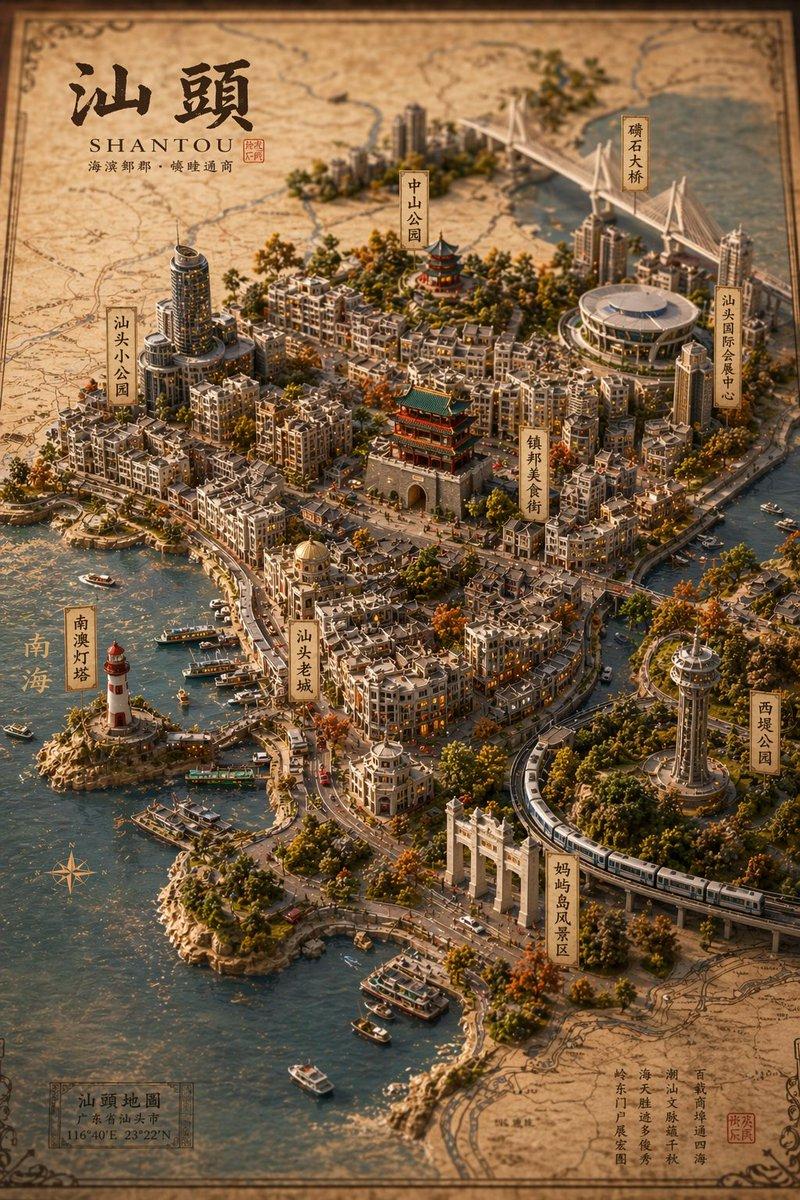
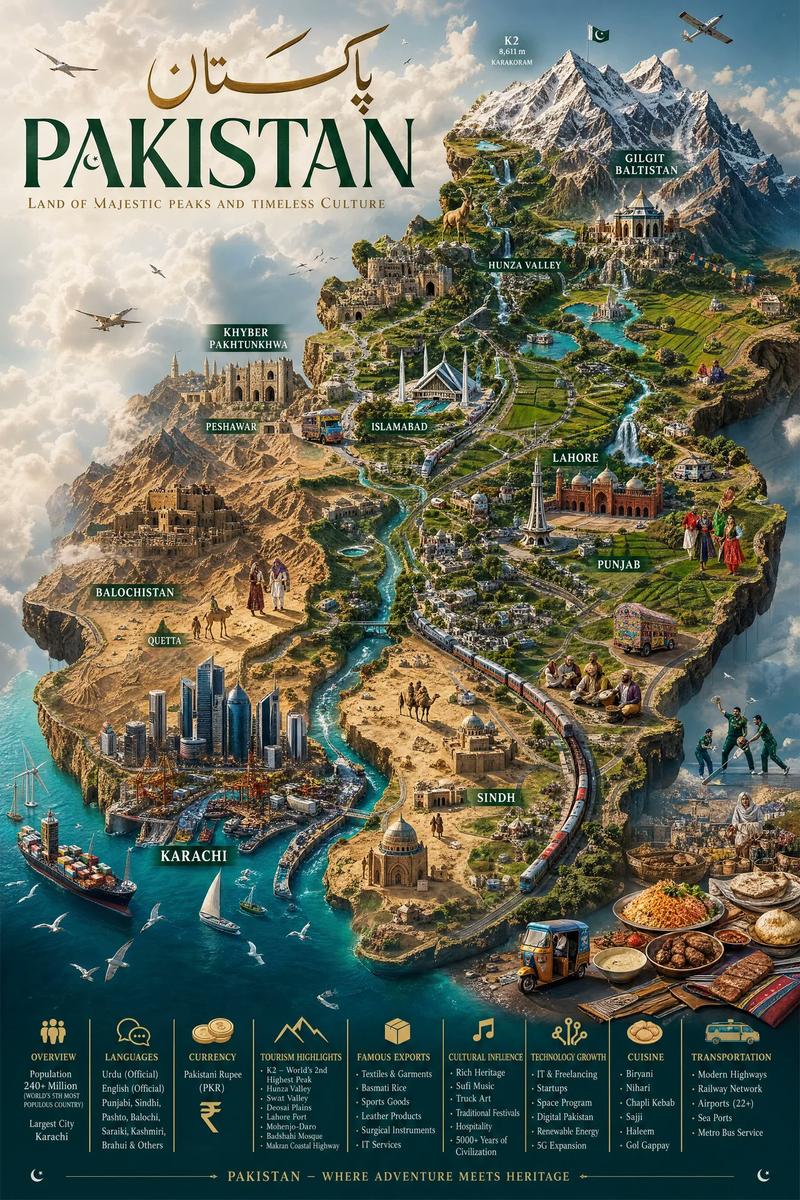
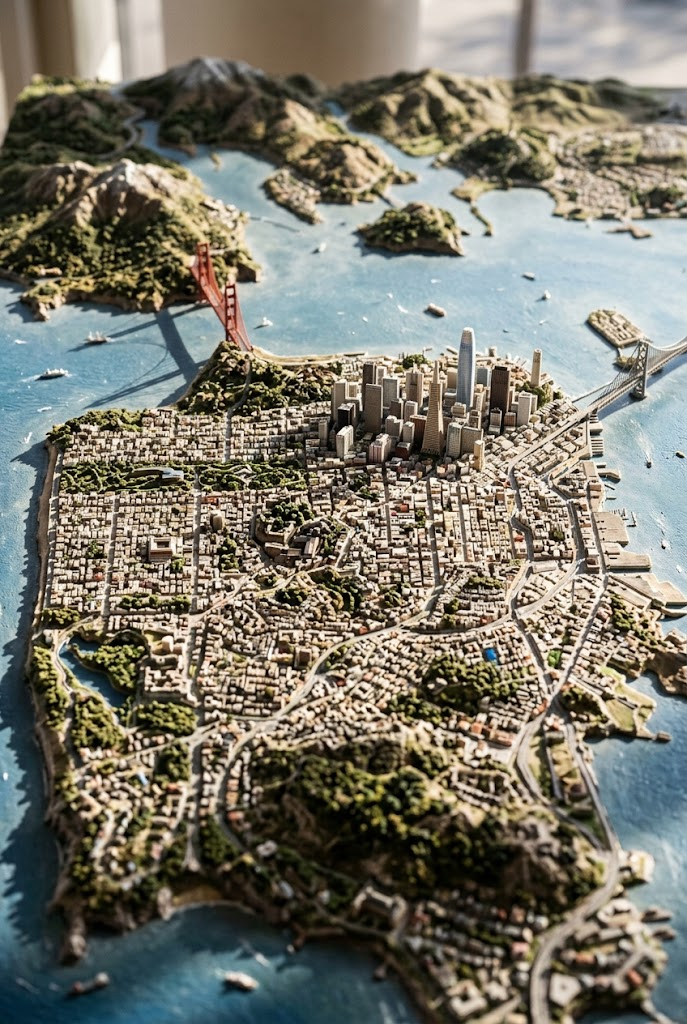
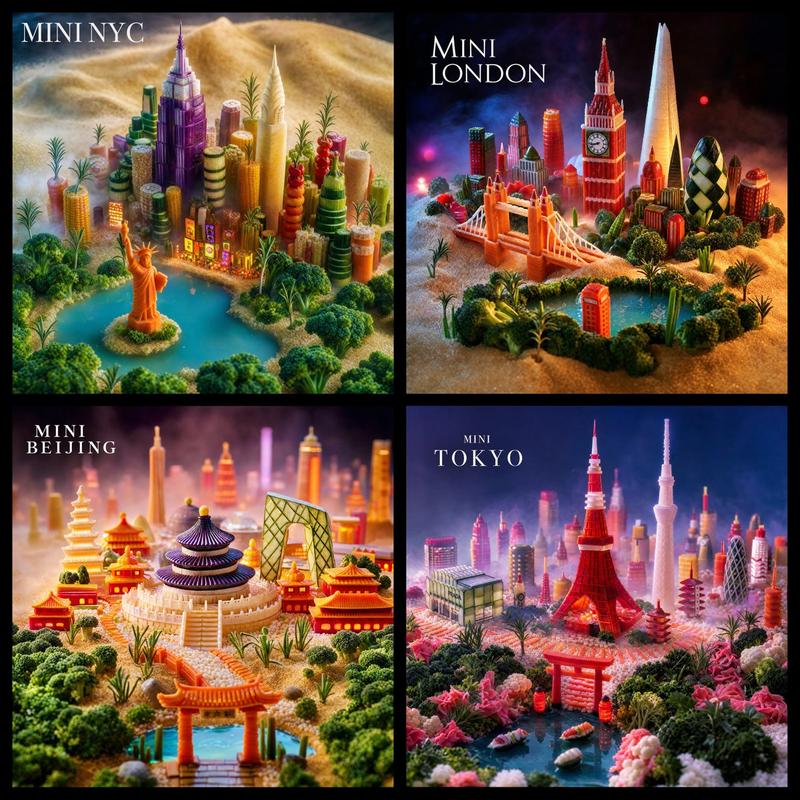
微缩 3D 城市立体模型地图
Enlarge

微缩 3D 城市立体模型地图

Prompt
A highly detailed, isometric 3D miniature diorama map of {argument name="city name" default="Chongqing"}, blending traditional Chinese architecture with modern skyscrapers, set against a vintage parchment map background. The scene features a winding river with a modern bridge connecting a densely packed peninsula of high-rises to older, multi-tiered traditional buildings glowing with warm light. A monorail train curves along a track near the water. Key landmarks are labeled with vertical banners containing Chinese characters, such as "洪崖洞" (Hongyadong) and "解放碑" (Jiefangbei). The top left corner displays large calligraphy reading "{argument name="main title" default="重庆"}" above the English text "{argument name="english subtitle" default="CHONGQING"}" and smaller Chinese text "山城雾都·江城重庆" alongside a red seal. The lighting is warm and cinematic, emphasizing the intricate textures of the miniature buildings, trees, and water, creating a tilt-shift photography effect.
Category
Charts & Infographics
Model
GPT Image 2
Views14
Source ID
14256
Published
Apr 20, 2026

Guide

About "微缩 3D 城市立体模型地图"

What is this prompt for?

"微缩 3D 城市立体模型地图" AI image prompt for GPT Image 2 (Charts & Infographics). 生成一个高度精细的等轴测 3D 微缩城市模型,将传统建筑与现代建筑融合在复古地图背景中。 Copy it on Picva and recreate the look i…

The full copyable prompt and example visuals above are ready for AI image generation or one-click recreate in Picva.

How to use this prompt

  1. Step 1

    Open the prompt detail

    Review the example visuals, category, and full prompt text for "微缩 3D 城市立体模型地图".

  2. Step 2

    Copy the prompt

    Copy the prompt body from this page, or load it directly in Studio.

  3. Step 3

    Pick a model (GPT Image 2)

    Prefer GPT Image 2. If you switch models, keep subject and composition and tweak style terms.

  4. Step 4

    Generate and export

    Recreate the look in Picva, or export into your workflow for editing and publishing.

FAQ

What is the "微缩 3D 城市立体模型地图" prompt?
It is an AI image-generation prompt for GPT Image 2 in the Charts & Infographics category. This page includes the full prompt text, example visuals, and a one-click recreate path in Picva.
How do I use this prompt to generate an image?
Copy the prompt from this page, or use Generate / Studio. Paste it into a compatible image model, or recreate the look in Picva with optional reference images.
Which model is this prompt for?
This page lists GPT Image 2. Most descriptive prompts also transfer to nearby image models such as GPT Image, Flux, or Midjourney with light style tweaks.
Can I use the result commercially?
You can usually copy the prompt for creation, but commercial use of the final image depends on the model terms, reference-image rights, and the generated content. Follow the source author and platform rules.