17

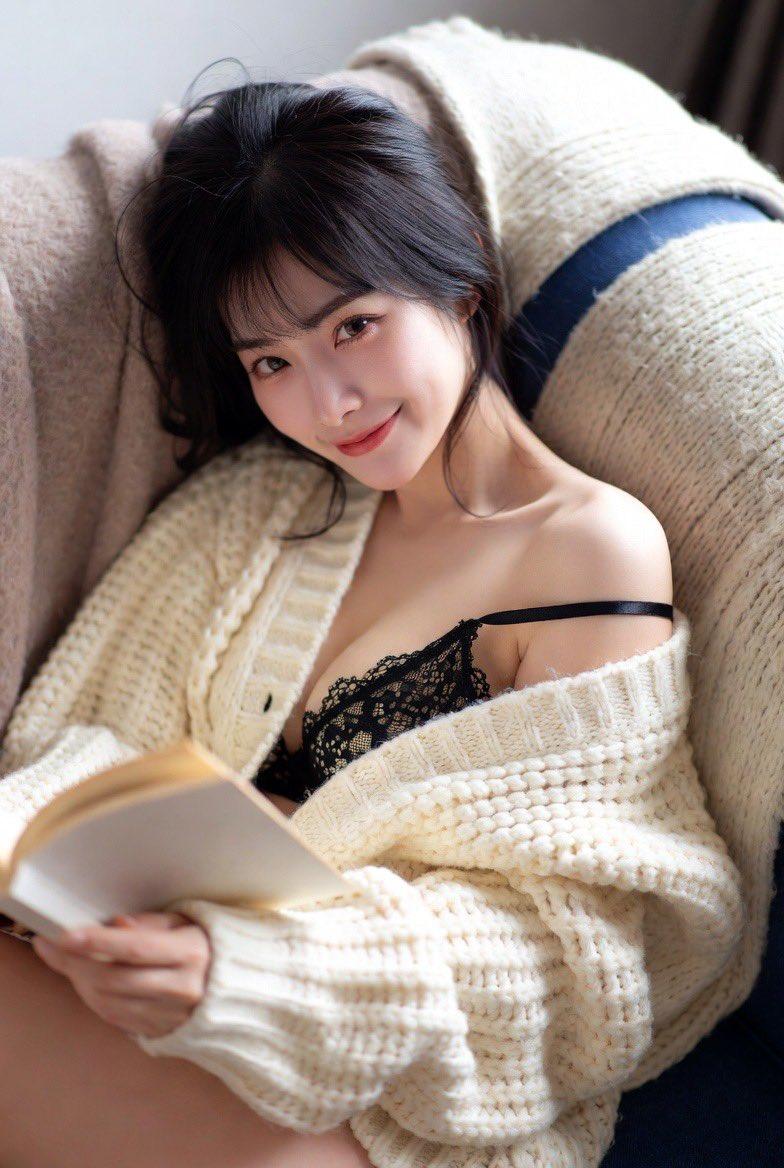
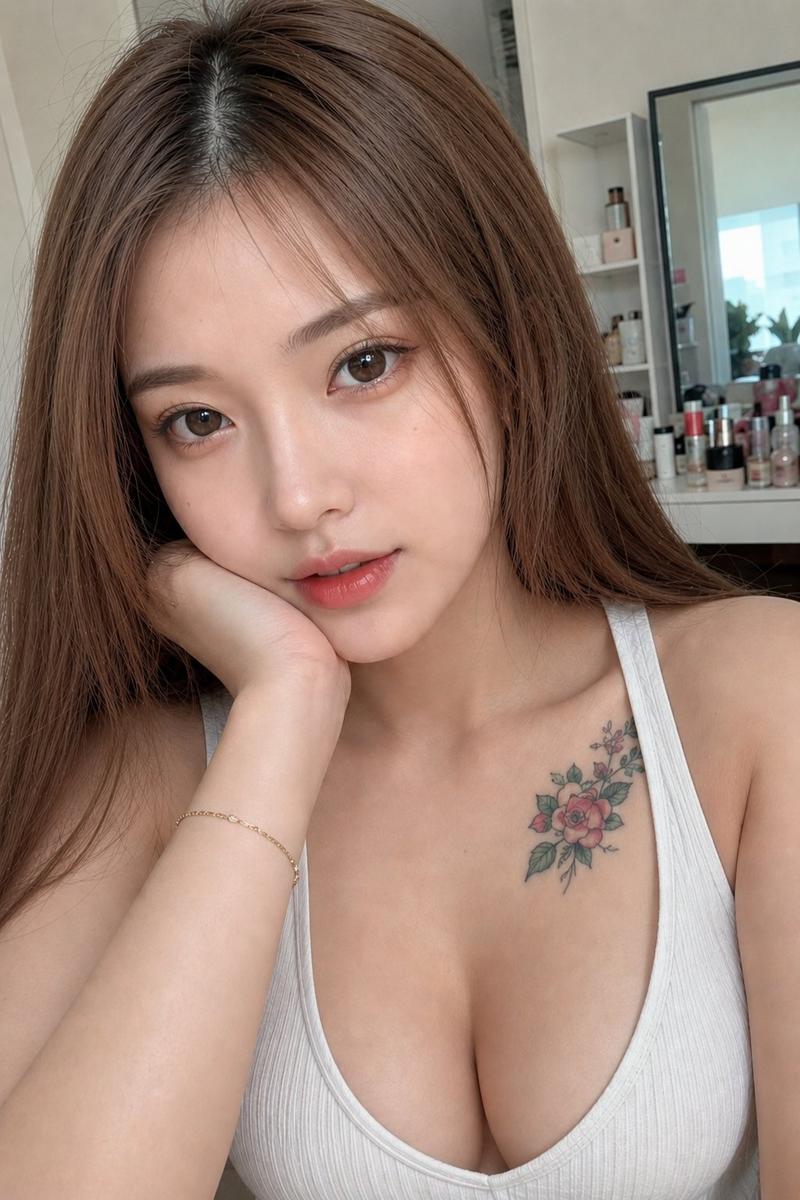
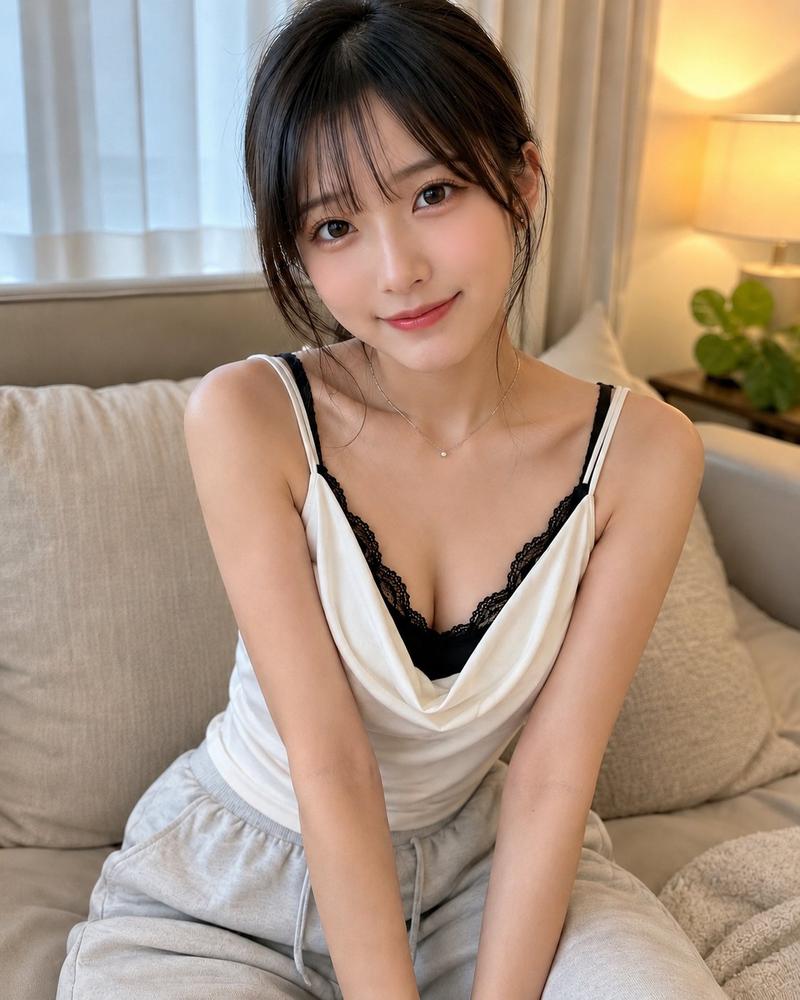
休闲沙发自拍肖像
Enlarge

休闲沙发自拍肖像

Prompt
Create a highly realistic casual smartphone photo of {argument name="character name" default="a young Japanese woman"} reclining on a beige sofa indoors, framed as an intimate vertical selfie from slightly above and close to her face and upper torso. She has {argument name="hair color" default="soft dark brown"} long slightly messy hair with wispy bangs, natural glossy skin, subtle peach makeup, brown eyes, and a calm relaxed expression while looking directly into the phone lens as if a friend just took the picture. Her left arm is raised above her head with her hand resting in her hair, and her body is angled diagonally across the couch. She wears {argument name="top color" default="navy blue"} fitted camisole or tank top with thin straps and a light gray zip hoodie worn open and slipping casually off one shoulder. Background is simple: a beige cushion on one side and a muted blue-gray fabric sofa back behind her. Use soft daylight from the front-left, gentle shadows, realistic skin texture, natural fabric wrinkles, shallow phone-camera depth, no studio lighting, no glamour set, no text, no watermark. The mood should feel like a believable photo from a friend’s camera roll rather than a posed fashion shoot, but still flattering and scroll-stopping.
Category
Architecture & Spaces
Model
GPT Image 2
Views10
Source ID
28757
Published
Jul 14, 2026

Guide

About "休闲沙发自拍肖像"

What is this prompt for?

"休闲沙发自拍肖像" AI image prompt for GPT Image 2 (Architecture & Spaces). 生成一张逼真的竖屏手机风格室内肖像,展示一位年轻女性在沙发上放松休憩的姿态,适用于自然的社交媒体配图。 Copy it on Picva and recreate the look…

The full copyable prompt and example visuals above are ready for AI image generation or one-click recreate in Picva.

How to use this prompt

  1. Step 1

    Open the prompt detail

    Review the example visuals, category, and full prompt text for "休闲沙发自拍肖像".

  2. Step 2

    Copy the prompt

    Copy the prompt body from this page, or load it directly in Studio.

  3. Step 3

    Pick a model (GPT Image 2)

    Prefer GPT Image 2. If you switch models, keep subject and composition and tweak style terms.

  4. Step 4

    Generate and export

    Recreate the look in Picva, or export into your workflow for editing and publishing.

FAQ

What is the "休闲沙发自拍肖像" prompt?
It is an AI image-generation prompt for GPT Image 2 in the Architecture & Spaces category. This page includes the full prompt text, example visuals, and a one-click recreate path in Picva.
How do I use this prompt to generate an image?
Copy the prompt from this page, or use Generate / Studio. Paste it into a compatible image model, or recreate the look in Picva with optional reference images.
Which model is this prompt for?
This page lists GPT Image 2. Most descriptive prompts also transfer to nearby image models such as GPT Image, Flux, or Midjourney with light style tweaks.
Can I use the result commercially?
You can usually copy the prompt for creation, but commercial use of the final image depends on the model terms, reference-image rights, and the generated content. Follow the source author and platform rules.